Bright Alliance Tech Limited · Enlace de fábrica de Shenzhen, directo prince@brightalliance.net WhatsApp +86 158 8972 3515
Warehouse & Logistics — application environment
Despliegue

Almacén - Logística

De la recepción al envío, una sola familia de dispositivos con la que el WMS ya se comunica.

Warehouse projects fail on integration, not on hardware spec. The WMS was configured against a device someone chose three years ago, and every new device has to reproduce that behaviour — scan timing, keyboard wedge output, cradle handover, battery reporting. This is where a supplier who has already done it saves weeks.

Who actually makes the purchase

WMS/ERP implementers, 3PL operators, and in-house logistics IT at distributors.

Where these projects stall

Typical software in this stack
Manhattan WMSBlue YonderSAP EWMInfor WMSOdoo InventoryCustom .NET WMS
Devices quoted here: 6
Send this requirement
01

Legacy Windows clients with no Android path

Plenty of WMS front ends are still Win32 thick clients. Replacing them costs more than the entire hardware budget.

02

High-rack scanning without a reach truck

Standard engines cannot read a label 8 metres up. Long-range engines can, and that changes the aisle workflow.

03

Forklift terminals that die from vibration

Consumer tablets on a mast fail within months. The bracket and the power input matter as much as the IP rating.

Usage scenario

How the work actually runs

Warehousing is a throughput game. Every second lost to slow scans, Wi-Fi drops, battery swaps or mis-picks shows up as labour cost and late orders. The goal is simple: keep WMS tasks executing reliably across shifts, zones and peak seasons.

Warehouse & Logistics — on site
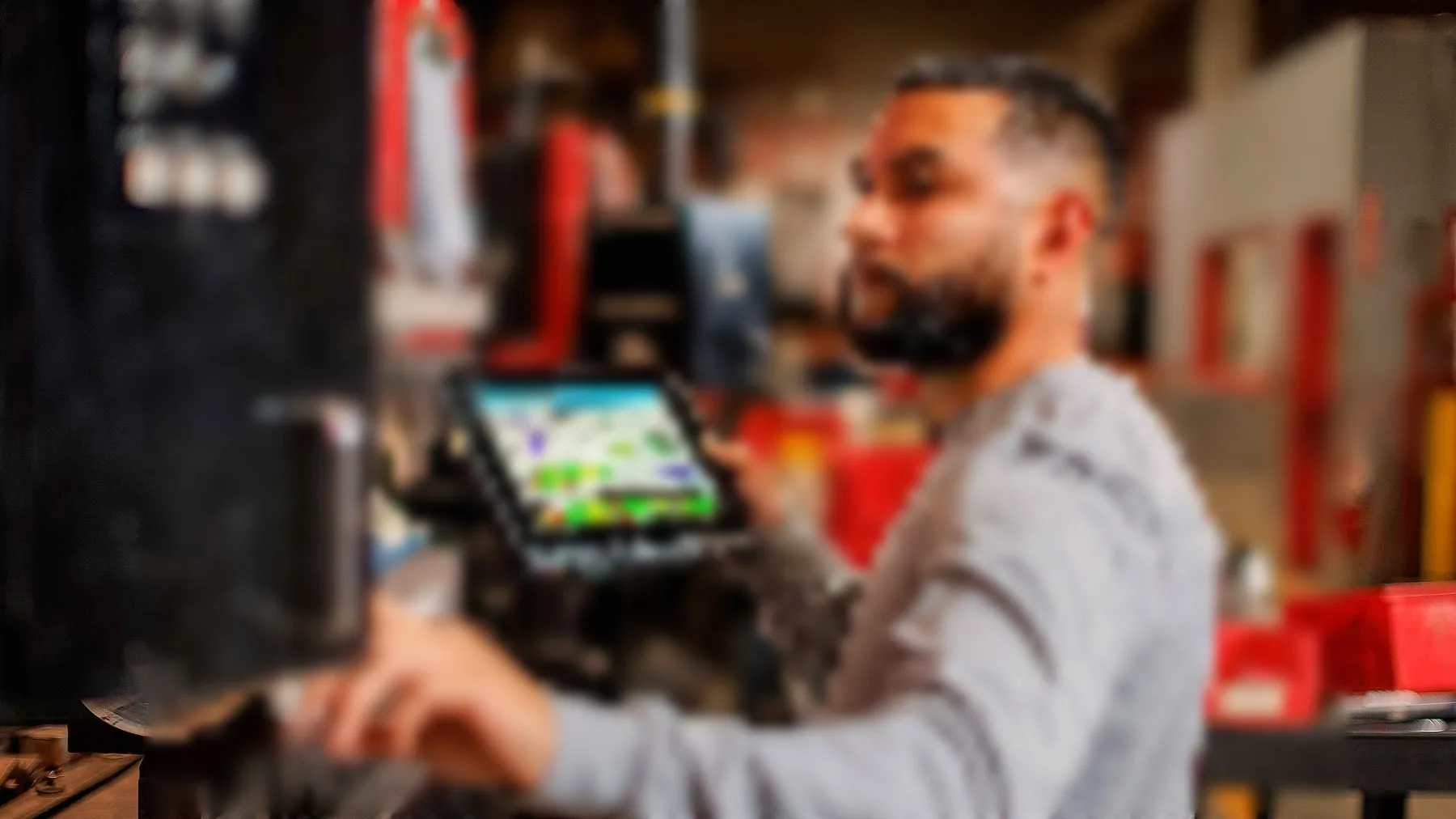
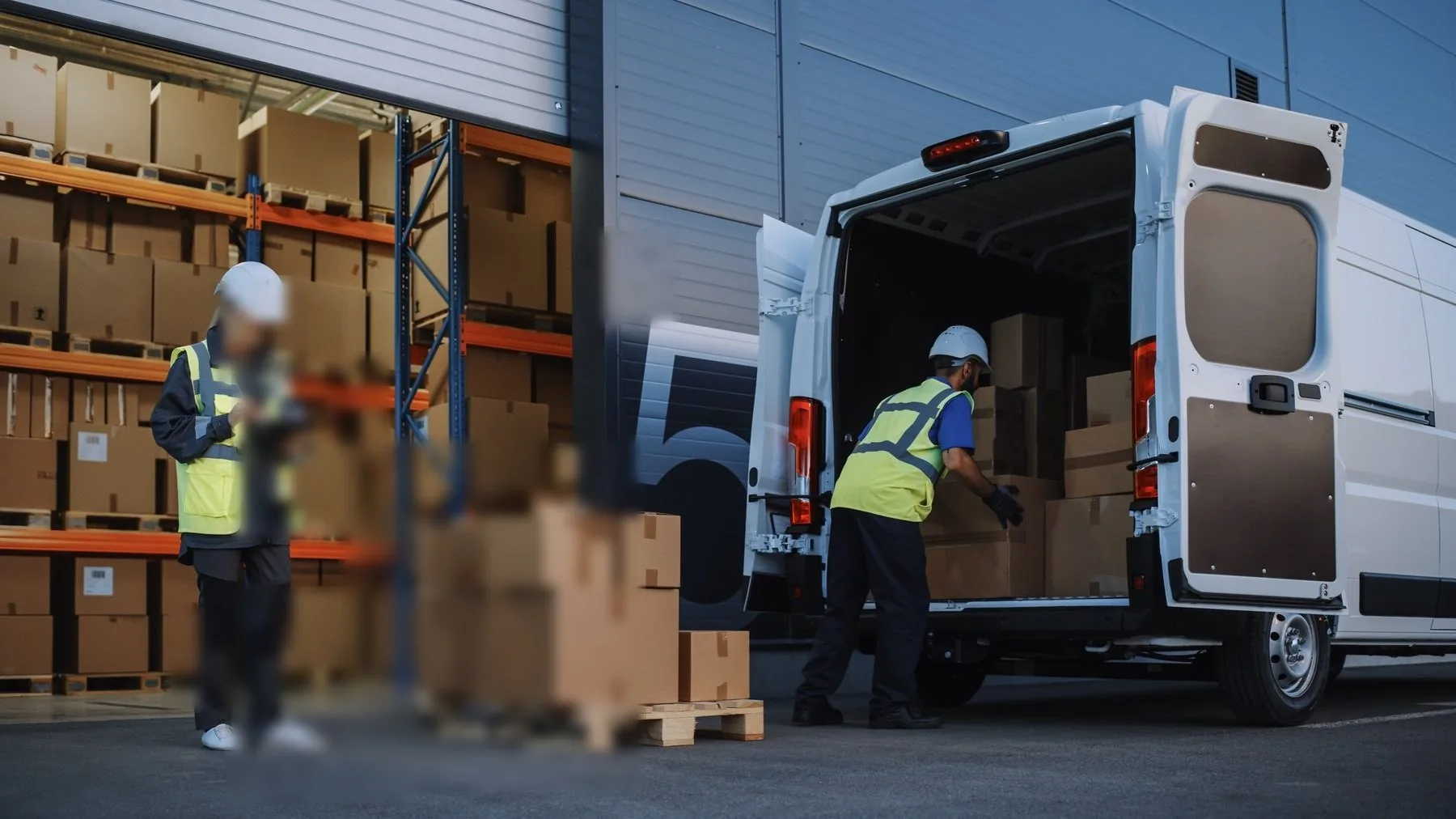
ON SITEScan-to-confirm at the dock, label on the box

01Where devices sit in the workflow

Workflow
  • Receiving and putaway — scan-to-confirm, location assignment, exception handling.
  • Picking and packing — high-frequency scanning, validation, live WMS updates.
  • Replenishment — reserve to pick face, with fewer wrong placements.
  • Cycle counting — inventory accuracy without stopping the line.
  • Shipping verification — cartons, labels and staging locations before the truck leaves.
02Handheld, PDA or tablet

Selection
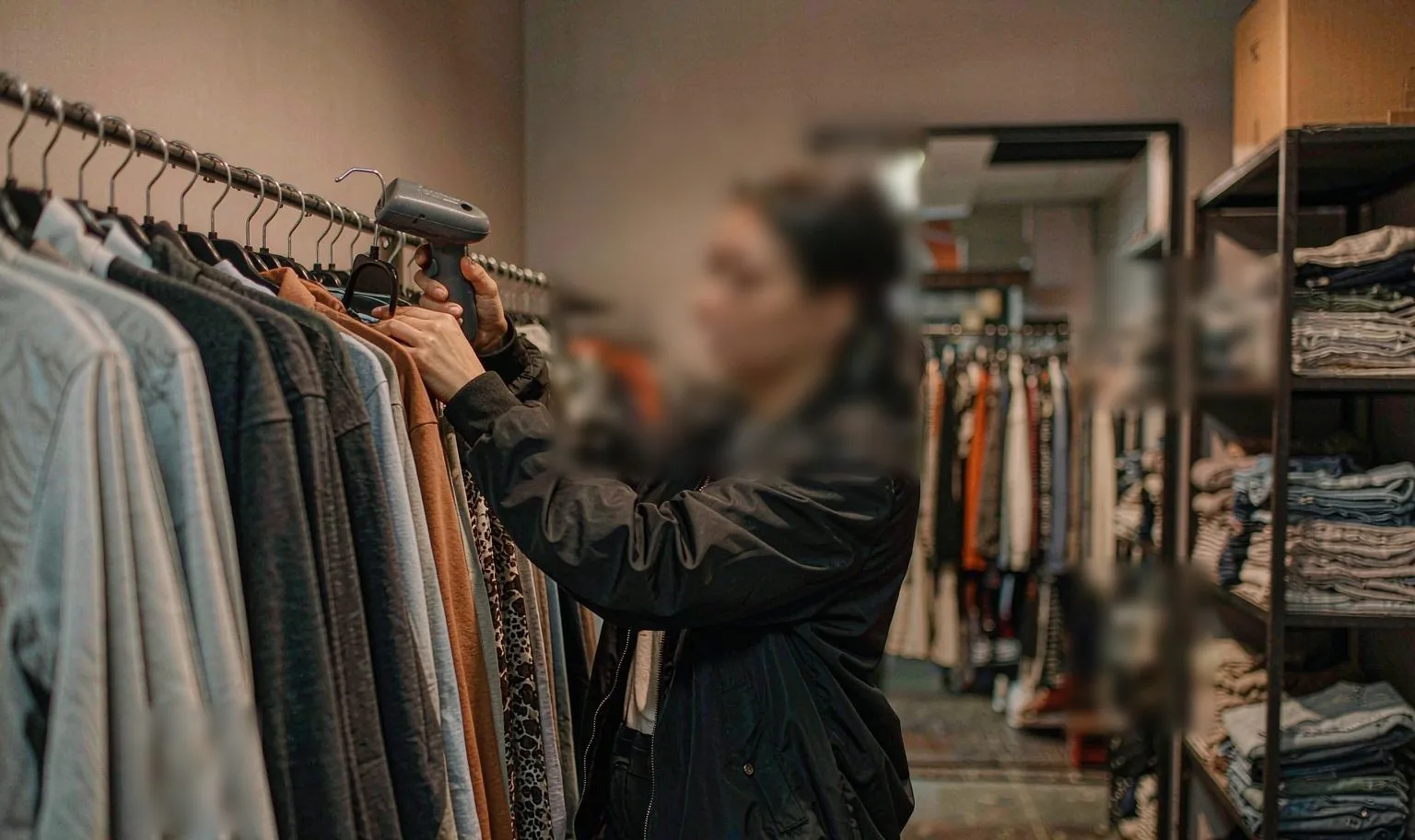
  • Rugged handheld or PDA — scan-heavy, one-handed picking and counting.
  • Long-range scanner — high racks, wide aisles, scanning from a forklift.
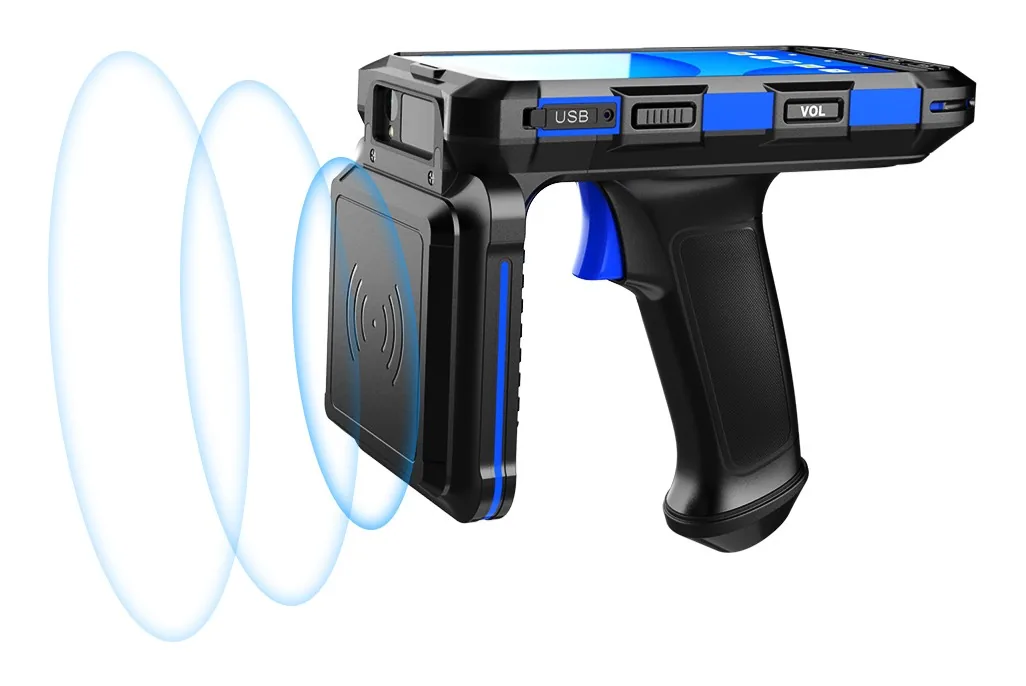
  • UHF RFID handheld — tagged pallets and cages, bulk reads in seconds.
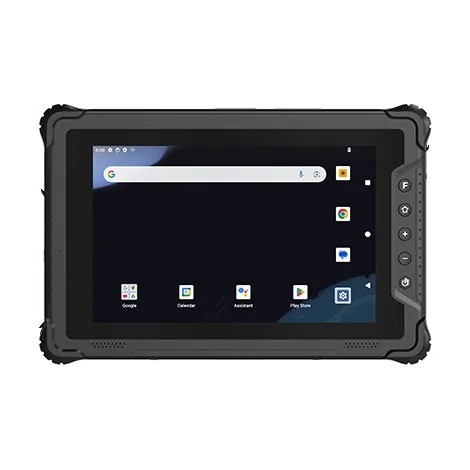
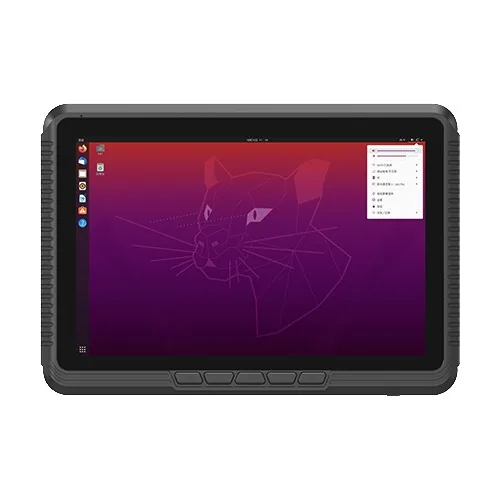
  • Rugged tablet — supervisors, dashboards, slotting reviews, vehicle-mounted use.

03Minimum configuration worth quoting

Spec
  • 2D imager that still decodes damaged and low-contrast labels.
  • One-hand ergonomics, keypad only if the workflow actually wants it.
  • Wi-Fi roaming behaviour tested against your own AP layout, not the datasheet.
  • Battery plan for the shift model: cradles, hot-swap spares, or both.
  • Android Enterprise or Windows MDM for kiosk mode and remote support.

04What the pilot has to prove

Pilot
  • Scan time per item, damaged-label success rate, motion scanning.
  • No session drops across zones, aisles, mezzanines and dock doors.
  • WMS rules, check digits and error handling behave in the real app.
  • Cradle layout and shift handover, including the spare ratio.
  • Cold zones, dust areas, wet hands, glove operation.
Data flow

How the information actually moves

This is the part that decides the device. Each step below has a different requirement for screen size, scan engine and connectivity.

01Goods-inPallet and carton labels scanned at the dock; ASN matched in the WMS.
02Put-awayHandheld directs to a bin location; location label confirmed on scan.
03Pick & packTask list on handheld or vehicle terminal; each pick verified against the order line.
04Forklift dispatchVehicle-mounted terminal receives the next task over Wi-Fi or 4G.
05Dispatch & proofConsignment closed, label printed, POD captured on the same device family.
Preguntas que recibimos

Antes de preguntar

The questions that come up on almost every project in this sector, answered before the first call.

Todas las preguntas
01Our WMS is a .NET thick client — what are our options?
Two routes: a Windows device (M10J, M80J, V10J, or the pocket-sized EM-I61J), or keep the Android fleet and run the client through a published remote session. We can benchmark both on a sample before you commit.
02How far can the long-range engine actually read?
The H68T long-range module is specified to 10 m on a reasonable label. Real distance depends on label size, print quality and lighting — we test with your actual label before recommending it.
03Do you supply the forklift brackets?
Yes, vibration-proof brackets and aviation-connector power leads are available with the vehicle terminals. Give us the truck model and we will confirm the fitting.
04¿Puede suministrar cinco unidades para un piloto?
Sí. Un piloto es el punto de entrada habitual. Cotizamos unidades sueltas a precio de muestra y apoyamos el piloto con repuestos en el mismo pedido: una batería de repuesto y una base, no un palé.
05¿Las unidades Android se envían con GMS?
La mayoría de los modelos Android se entregan con GMS. Para configuraciones sin servicios de Google, suministramos firmware sin GMS en el mismo hardware; indíquelo en la cotización, ya que es una decisión de firmware, no un ajuste.
06¿Qué garantía ofrecen?
Un año de serie, que cubre el equipo y la batería frente a defectos de fabricación. Hay cobertura ampliada y términos de sustitución anticipada para flotas; solicítelos en la cotización, no tras el primer fallo.

Running a warehouse project?

Send the workflow and the software stack. You will get two models and the caveats, not a catalogue.

Chatee con Prince · WhatsApp
Llamar WhatsApp Solicitar presupuesto