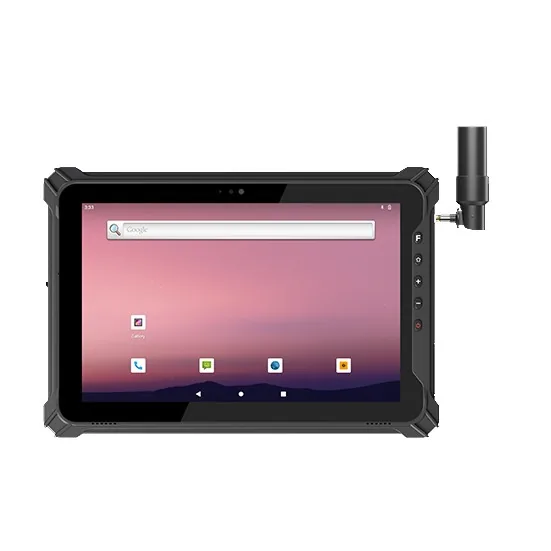
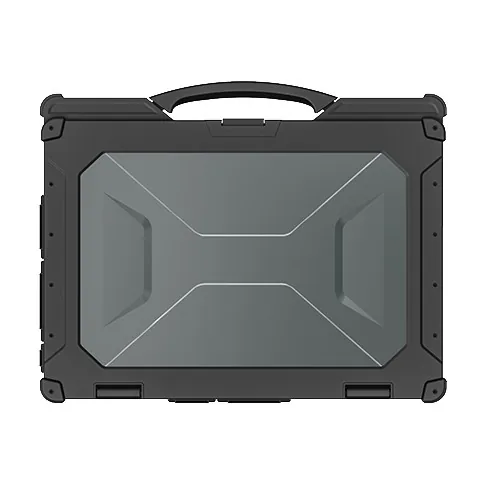
Utility and solar O&M inspection is the same loop repeated across kilometres: drive to the asset, confirm you are looking at the right one, fill the form, photograph the defect, move on. The loop runs in hard sun, weak signal and dust. It fails for boring reasons — the screen washed out at noon, the form would not load offline, the asset register was wrong — and each failure delays the maintenance decision the inspection exists to support.
The three failure points, and the spec that fixes each
1. Screen wash-out at noon. Consumer tablets turn into mirrors under tropical sun; inspectors fill forms "later from the truck", which is a euphemism for "from memory". The fix is a high-brightness, anti-glare display — a specification line that decides the data quality of the whole program.
2. No signal at the site. Inspection apps must be offline-first: forms, asset history and photo capture stored locally, synced when signal returns. Where cellular genuinely ends — remote plants, border sites, mountain relay points — satellite messaging closes the gap for exceptions and lone-worker check-ins. Plan the offline behaviour before the pilot, not after the first month of missing forms.
3. The asset register lies. The inspection form opens against an asset ID; if the tag scan is not enforced, inspectors open the wrong asset and the register drifts. Scan-verified tags at every inspection keep it honest — wrong-asset errors surface immediately.
Device selection for field crews
| Crew task | Device | Why |
|---|---|---|
| Inspection forms + photos | 14" Windows tablet | Form-heavy work, drawings, glove touch |
| Asset tag scan + meter reads | Tablet with scan engine, or compact handheld | One motion per asset |
| Substation / plant computer work | Rugged laptop | Full desktop apps where connectivity allows |
Two practical notes:
- Windows vs Android follows the CMMS client. Browser-based CMMS → either. Desktop client → Windows.
- Vehicle docks matter more than they look: tablets that live in the truck bed die in the truck bed.
The solar-plant case
A solar O&M contractor inspecting panels, inverters and substations across provinces runs the loop with a 14-inch tablet per crew and a compact scanning handheld per van. The form is filled at the string, the inverter serial is scan-confirmed, and the defect photo attaches to the asset before the crew leaves — because the screen is readable at the string, not just in the shade of the truck.
What the pilot should measure
Two crews, two weeks, before/after:
- forms completed on site vs "later" (the honesty metric);
- inspection throughput per crew-day;
- asset-register corrections caught by tag scan;
- sync failures and data loss.
We supply utilities and solar O&M contractors across Southeast Asia, the Middle East and Latin America, with satellite communication options for the sites past the cellular map. Send us the asset count and CMMS platform, and the pilot quote comes back sized to two crews.