Third-party and e-commerce warehouses live with three realities at once: order volume swings several times over between normal days and sales events, many clients and thousands of SKUs share the same shelves, and an increasing share of goods — food, cosmetics, household items — carries batch and expiry rules. Paper records and manual entry cannot keep up with any of the three, and the cost shows up as wrong shipments, claims and stock that does not match the system.
What actually goes wrong
The failures are predictable and they all point back to data capture:
- Stock that exists on paper but not on the shelf. Manual entries lag behind the physical moves and the two records drift apart.
- Wrong and missed shipments. Without a scan at every step, a mixed multi-client aisle can send the wrong item to the wrong customer.
- No real-time traceability. A problem at the dock cannot be traced to the operator, the location or the time.
- Peak-season breakdown. A process that works on a quiet day collapses under a wave of promotional orders.
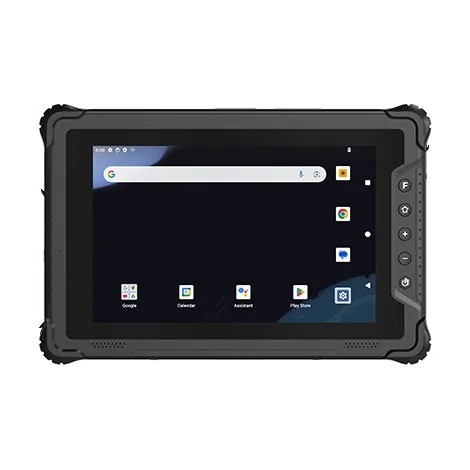
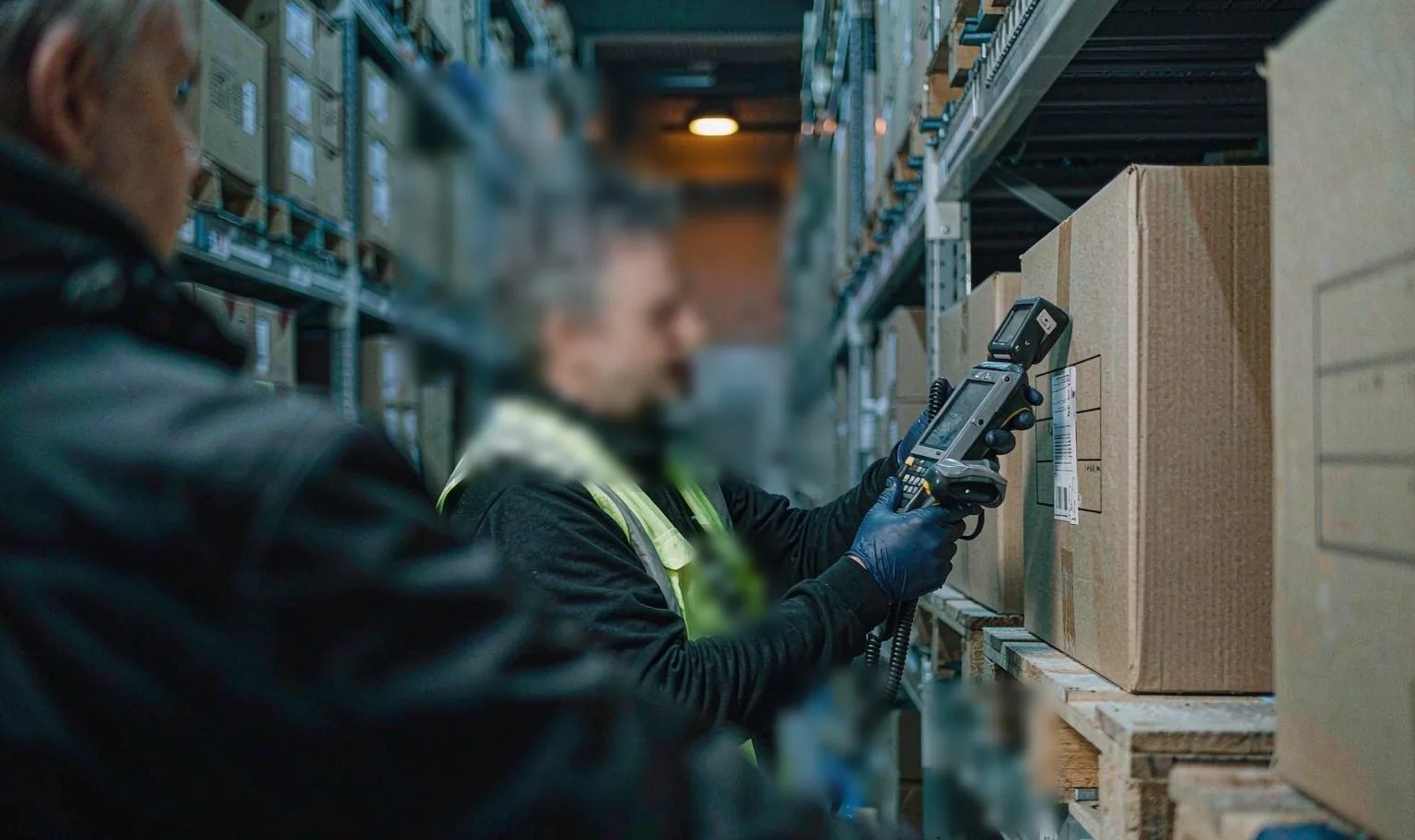
A rugged handheld such as the BH-F2 turns every move into a scanned record that lands in the WMS immediately, rather than a note that is typed in later.
The eight workflows from dock to dispatch
The same device follows the goods through the building:
- Receiving — the WMS sends the task, staff scan the carton and product codes, and the system checks SKU and quantity against the order. Batch and expiry are captured for date-controlled goods.
- Putaway — the WMS assigns a location and the operator binds the product to the shelf with a scan.
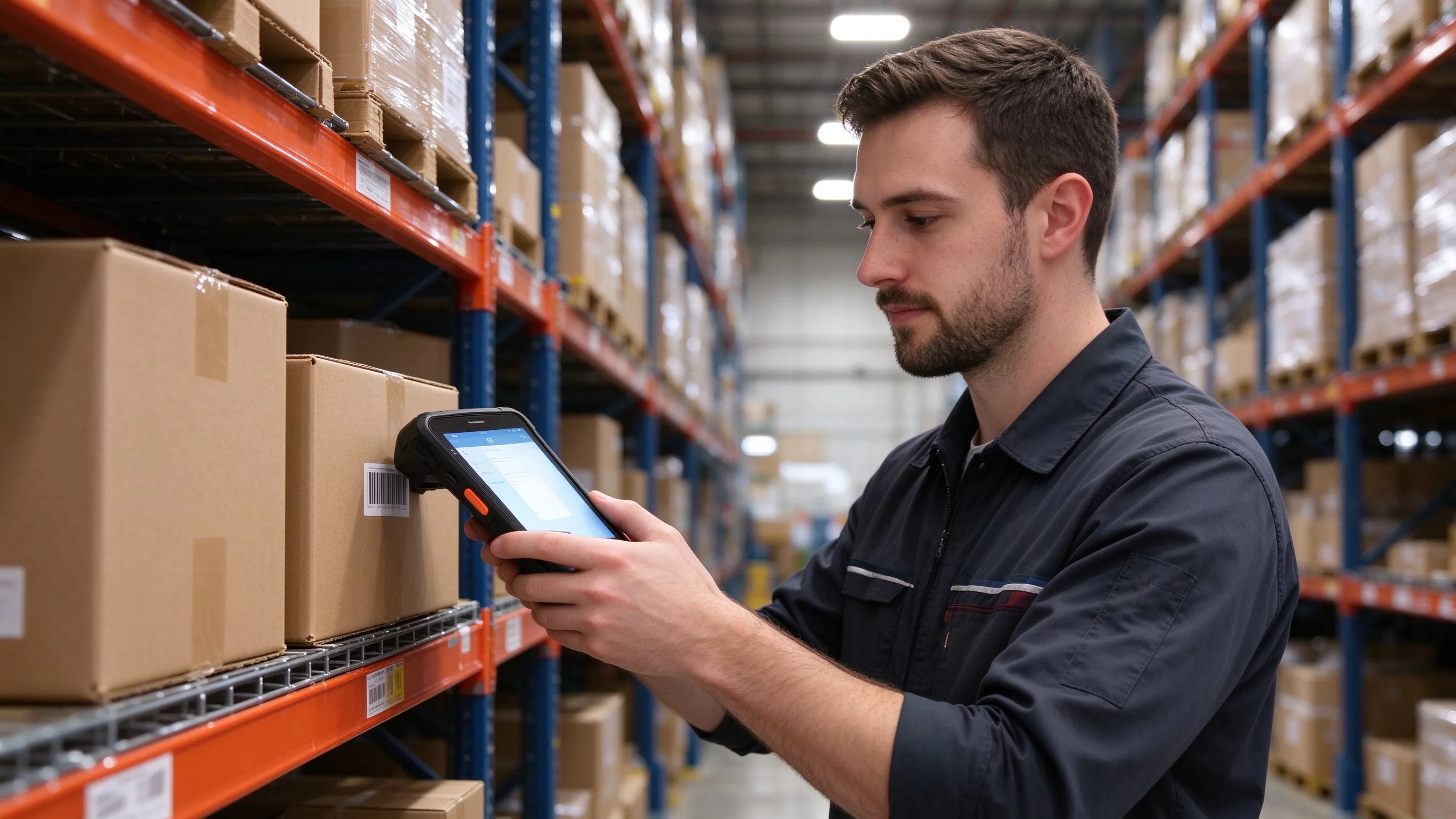
- Order picking (wave picking) — the device shows the location, item and quantity, guides the route and verifies every pick.
- Outbound verification — the order, parcel and product codes are matched against the WMS before the box leaves.
- Packing — the parcel is bound to the carrier label and exceptions are recorded against the order.
- Internal moves and transfers — the original and target locations are scanned so the WMS updates the move.
- Cycle counts — staff scan location and product codes, enter the counted quantity and see the variance on the spot.
- Expiry management (FEFO) — batch and expiry are captured at every step and the earliest-expiring stock is picked first.
What the hardware needs in a working warehouse
The warehouse environment is rough and the shifts are long:
| Requirement | Why it matters |
|---|---|
| High-performance 2D imager | Reads damaged, folded and blurred labels plus on-screen codes |
| IP67 sealing | Handles dust, dock splashes and wet-floor conditions |
| 1.5 m drop rating | Survives the inevitable falls in the aisles |
| 5050 mAh battery | Runs a full shift on a peak day |
| Dual-band WiFi with 4G | Stays connected across the building and weak zones |
| Octa-core 2.3 GHz processor | Keeps large wave-picking tasks responsive |
| −20 °C to 50 °C range | Works in cold rooms and hot bays |
| NFC at 13.56 MHz | Supports electronic shelf and location tags |
The picking workflow
The WMS generates a wave of orders and pushes the task to the handheld. The screen shows the location, the product and the quantity to pick and guides the operator along the shortest route. At each location the operator scans the shelf and product codes; a wrong item or a quantity mismatch raises an alert immediately. Once the pick is confirmed, the WMS deducts the stock and updates the order status in real time.
Cycle counts without shutting down
The handheld receives the count task and the operator scans the location and product codes, entering the actual quantity. The device compares the count against the book stock and shows the variance immediately, then returns the data to the WMS to produce the report. Counts can be run by SKU, zone or client, so a multi-client warehouse can keep each owner's stock separate.
FEFO, batch and expiry
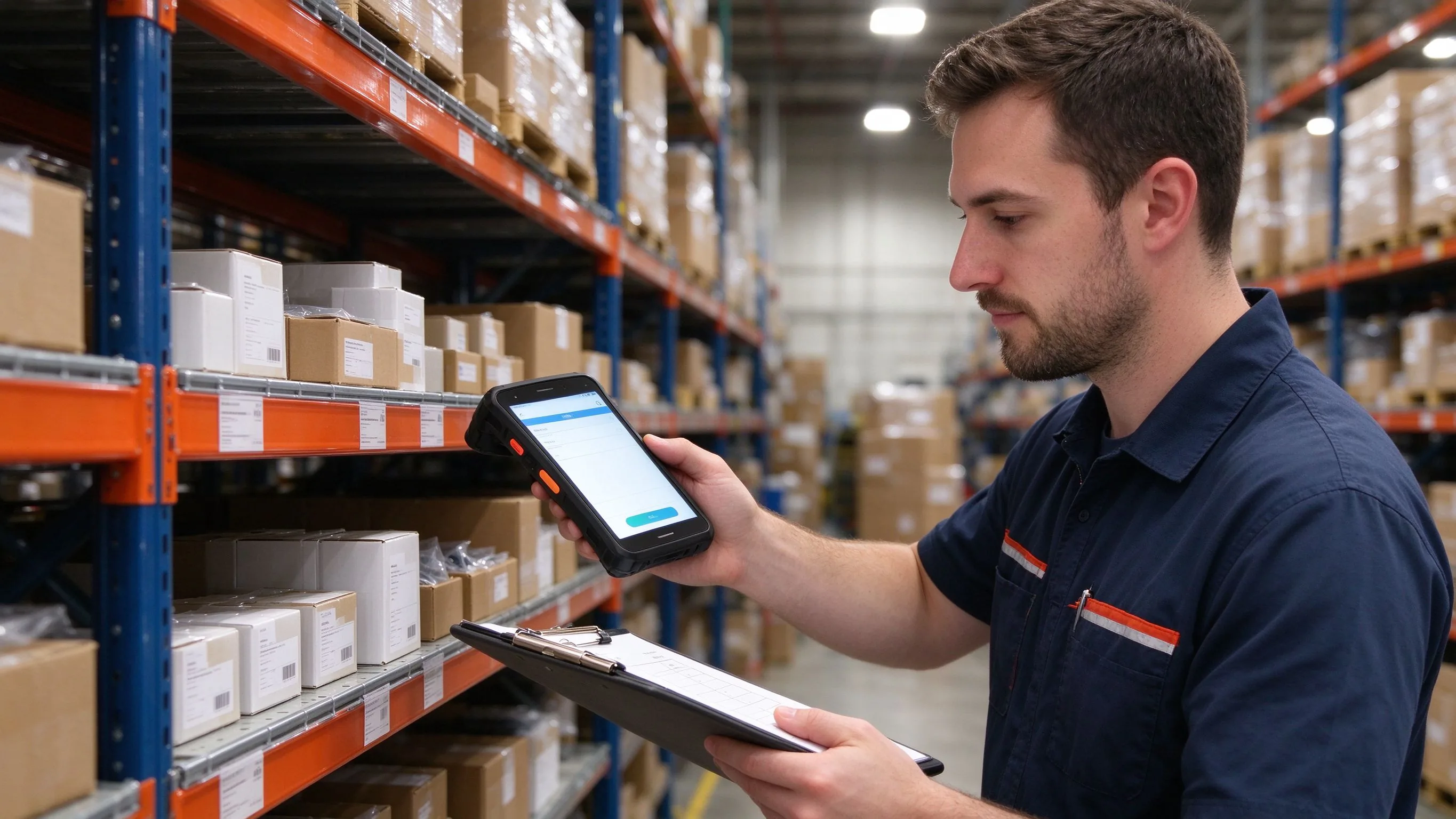
For date-controlled products, the terminal captures expiry and batch at receiving, putaway, picking and verification. The WMS applies a first-expiry, first-out rule, so the device directs the operator to the earliest-expiring batch and warns on near-expiry stock. The full chain is recorded, which cuts the losses from goods written off after their date.
Connecting to the WMS
The F2 runs Android 15 and installs the WMS Android client directly, or a standard SDK and API covers custom integration with cloud or on-premise systems. Inside the warehouse, dual-band WiFi carries the connection and 4G takes over in weak zones; if the network drops, the device caches the work locally and syncs when it returns so no order is lost. A microSD slot up to 256 GB provides a local backup of large work datasets.
The fastest way to de-risk a rollout is a pilot on the busiest process — receiving exposes integration problems, cycle counts expose scanning problems and dispatch exposes battery problems. Send the WMS name and the workflow you want to test, and we will confirm which models already run on it and pre-configure the pilot units.