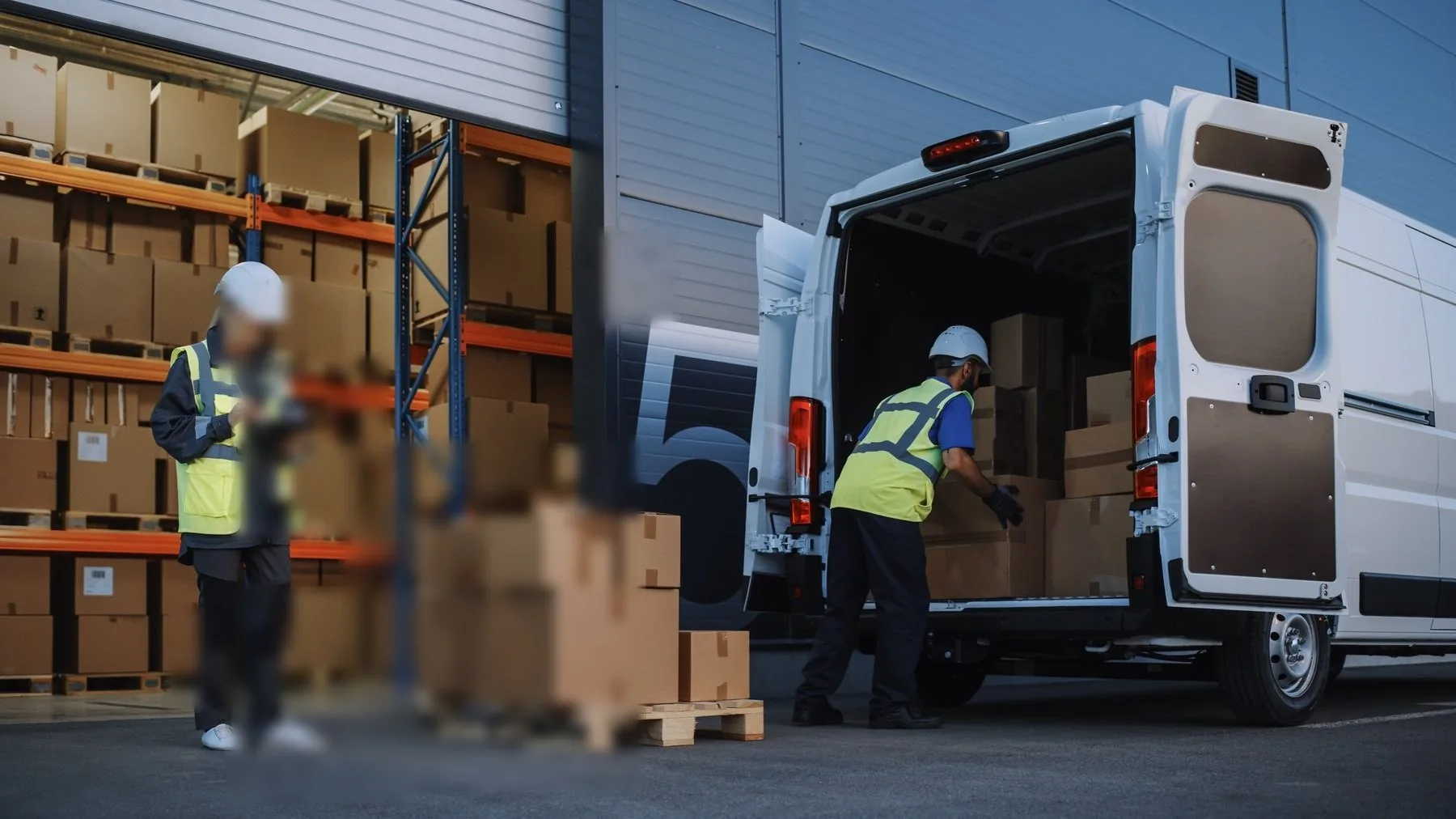
Every courier dispute follows the same script. The customer says the parcel never arrived. The platform shows a delivery timestamp. Someone asks for the proof of delivery — and the record turns out to be a dark photo of a doorstep that could be any doorstep in the city, plus a signature captured as a flat line because the rider signed it himself while holding the device in the rain.
None of that is a software bug. It is a hardware specification problem. When procurement picks the fleet PDA by scan engine and battery alone, the three components that decide whether a POD record holds up — camera, touch panel, and the offline queue's survival path — go unspecified.
What a defensible POD record actually contains
A POD that settles a chargeback needs six elements, captured in one flow:
| Element | What makes it evidential | What weakens it |
|---|---|---|
| Parcel ID | Scanned, not typed — a scan is a machine event | Manual entry, "couldn't read label" |
| Timestamp | Device clock, synced to network time | Drifting clock after months offline |
| Geostamp | GPS fix at scan time, not at sync time | Location attached when the queue drains at the depot |
| Photo | Address visible, parcel in frame, readable in daylight | Dark lobby shots, no number plate or door number |
| Signature | Signed on the device by the recipient, pressure strokes preserved | Rider-signed, or a gesture scribble from a wet glove |
| Chain | Record hashed or at least ordered in the sync queue | Queue silently dropped after a crash or battery pull |
Four of the six are hardware-dependent. The camera makes or breaks the photo, the digitizer makes or breaks the signature, and the power and storage architecture makes or breaks the queue. That is why the same app produces defensible records on one fleet and useless ones on another.
The photo: what "camera" has to mean on a POD device
A 13 MP camera is not a POD camera until you ask three questions.
Can it read the door number at arm's length in the light that exists at 7 p.m.? Entrances are backlit, corridors are tungsten, and basement drop-off points are sodium-vapour orange. What matters is not megapixels but the sensor's low-light behaviour and whether the app can lock focus without hunting. A rider who taps the shutter three times to get one sharp frame adds fifteen seconds per stop — across two hundred stops, that is an hour of shift.
Can the flash actually help? A weak LED flash at 2 metres lights nothing but the parcel. Ask for flash working distance, or accept that night photos are ambient-light only.
Is the capture flow one-handed? The rider is holding the parcel with the other hand. Devices with the lens in the top corner, gripped pistol-style, get usable frames at a far higher rate than slab phones held at arm's length.
Reference markers. The strongest POD photos show the label face and the address in the same frame — one photo that proves this parcel at this door. That needs a camera that focuses at 0.3–1.5 m, exactly where cheap modules fail.
The signature: a digitizer question, not a screen question
Signature capture fails on rugged devices in a specific way: the panel registers the touch but mangles the stroke. Wet fingers, gloves, rain on the glass and cold-stiffened hands conspire, and what gets stored is either a straight line or a scribble a dispute team cannot match to the cardholder's signature.
What to specify:
- A glove-mode and rain-mode touch panel. Capacitive panels that reject water as a phantom touch make signatures impossible in any weather. Rain capability is a listed feature, not a default — ask for it by name.
- Stroke capture, not an image. The app should record the signature as vector strokes with timing, which survives compression and lets a reviewer see a natural pen rhythm versus a single-line forgery.
- A stylus or a hard tip. A finger is a poor pen. Devices with a capacitive stylus slotted in the body produce markedly better signatures from the same recipients.
- Display size honestly assessed. 4–5 inch screens force recipients to sign in a small box; a 6-inch-plus panel reduces "sign again, it didn't take" rates. Our form-factor comparison covers the crossover to an 8-inch van tablet — at the door, the handheld wins because it goes up the stairs.
Offline sync: the queue is the product
The most expensive POD failure is invisible: the record was captured, then lost. Riders spend entire shifts in dead zones — basement car parks, tower-block lift wells, rural routes between towers. The offline queue is not an edge case; for many routes it is the normal operating mode, and sync is the exception.
Four properties decide whether the queue survives:
- Persistence across battery swaps. The queue must live in persistent storage, not RAM. A rider with 60 records pending and a dying battery should be able to swap packs and continue — removable packs keep the queue alive, sealed consumer phones kill the app on a low-battery event.
- Geostamp at capture, not at upload. If the app stamps location when the queue drains at the depot, every record of the day carries the depot's coordinates and settles nothing. Verify this in a lift well, not in a demo.
- Idempotent sync. Records uploaded twice must not create duplicate PODs. The queue should carry a client-generated UUID per record, and the server should de-duplicate on it. Flaky 4G otherwise produces ghost duplicates that support teams chase for weeks.
- Queue visibility. The rider needs to see "48 records pending" on the home screen. Silent queues get ignored until they corrupt.
Storage sizing. A POD photo at evidence-grade compression runs 400–800 KB. Two hundred stops with photos and signatures is roughly 120 MB per day — trivial for storage, but the app also caches route manifests and label databases. Specify 64 GB minimum, and confirm the app writes to adoptable storage rather than a fixed app partition.
Radio strategy. Dual-band Wi-Fi at the depot for fast queue drain, and LTE bands matched to the countries the fleet actually runs in. A device homologated for Europe is a brick on the bands some Southeast Asian carriers use. Two lines prevent a season of "slow sync" complaints: which bands, which carriers, confirmed where?
Spec comparison: the four decisions that matter
| Decision | Specify this | Reject this |
|---|---|---|
| Camera | 13 MP+, fast autofocus at 0.3–1.5 m, flash with real working distance | "5 MP front / 13 MP rear" with no focus spec |
| Touch panel | Rain mode, glove mode, pressure-tolerant digitizer | Generic capacitive with no wet/glove rating |
| Power | Removable 5000+ mAh packs, hot-swap-safe queue | Sealed battery, "all-day" marketing runtime |
| Storage & radio | 64 GB +, GMS Android, carrier-band match verified | 32 GB, single-region LTE, no band plan |
Deployment checklist for the fleet manager
- Test photo capture at three real doors — backlit, indoor, night — before signing the order.
- Test signature capture in rain and with gloves, on the actual device, not the demo unit.
- Kill the network in a lift well; capture 20 records; verify geostamps reflect the well, not the depot.
- Pull the battery with 50 records pending; verify all 50 arrive.
- Force a double-sync of the same record; verify the server de-duplicates.
- Confirm the MDM profile pins the clock to network time.
- Size the spares pool: one battery per rider per shift, 10% spare devices pre-enrolled.
- Set the acceptance metric: % of POD records that settle a claim without a callback.
Choosing the device is a workflow question
Searches for "best rugged PDA for last-mile delivery" return spec sheets ranked by drop rating — but the drop rating is only the entry ticket. What separates fleets with 2% POD disputes from fleets with 12% is whether the photo could be read, whether the signature looked like a signature, and whether the queue made it home.
Describe your route shape — stops per rider, shift length, dead zones, POD platform — and the recommendation comes back as a configured fleet: camera, panel, battery count and spares pool in one order. WhatsApp +86 158 8972 3515 — a photo of one of your actual drop-off points answers half the questions in advance.