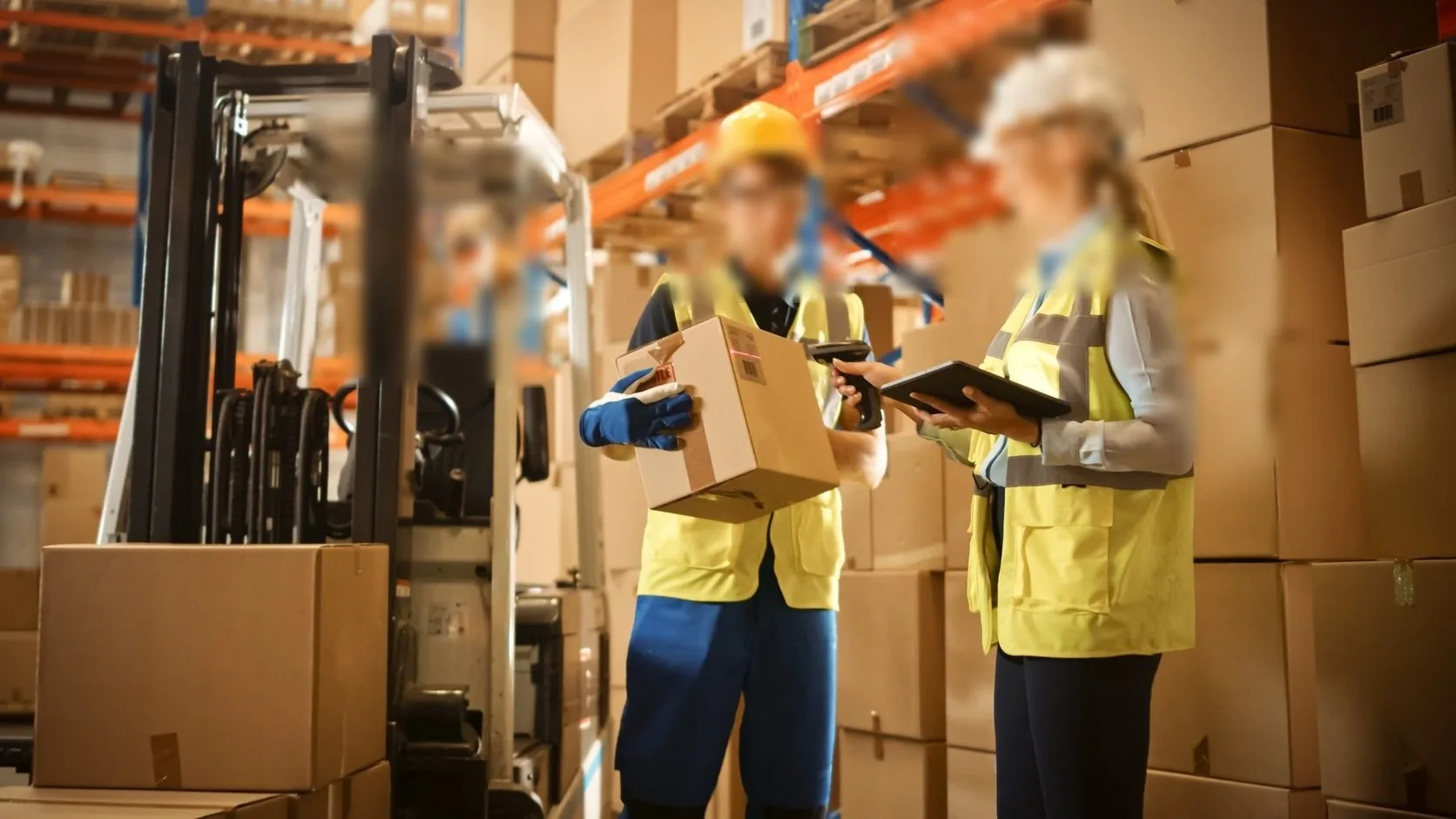
Every F&B group runs the same 6am ritual: count the high-value stock before the first delivery lands, because yesterday's variances must be investigated before today's food cost is committed. The tooling for that ritual is usually the most abused IT in the company — used with wet hands, wiped with degreaser, dropped behind the pass.
Here is what actually decides whether the count is done in 40 minutes or abandoned at 6:30.
Three devices, three jobs
A food-service group that standardises one device family across the counter, kitchen and storeroom spends less than one that buys three different systems. The division of labour:
| Device | Where it lives | Why |
|---|---|---|
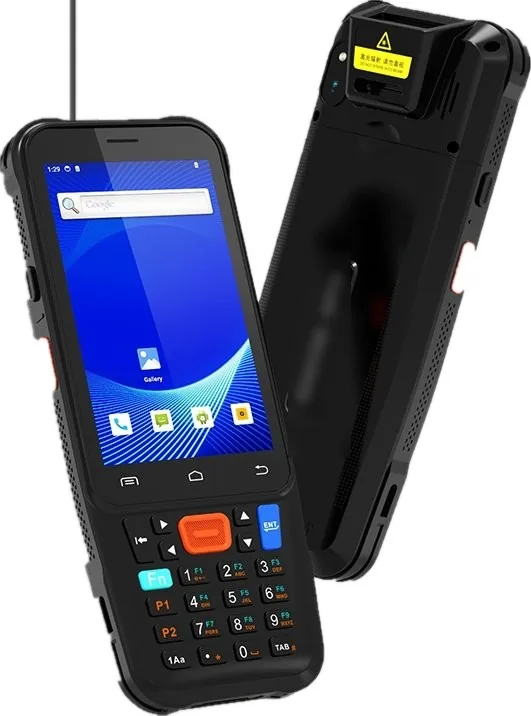
| Rugged handheld | Storeroom, chiller, back door | Scan crate labels and shelf tags at goods-in and count time |
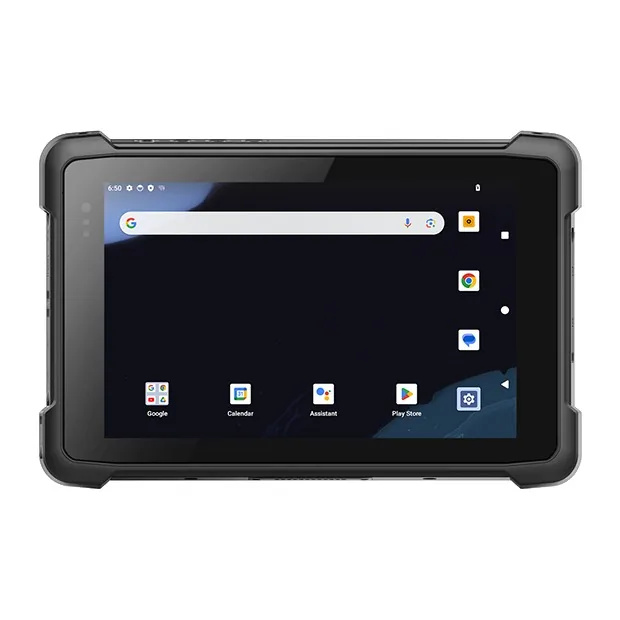
| Rugged tablet | Office, bar, floor checks | Runs the inventory app, checklists and receiving photos |
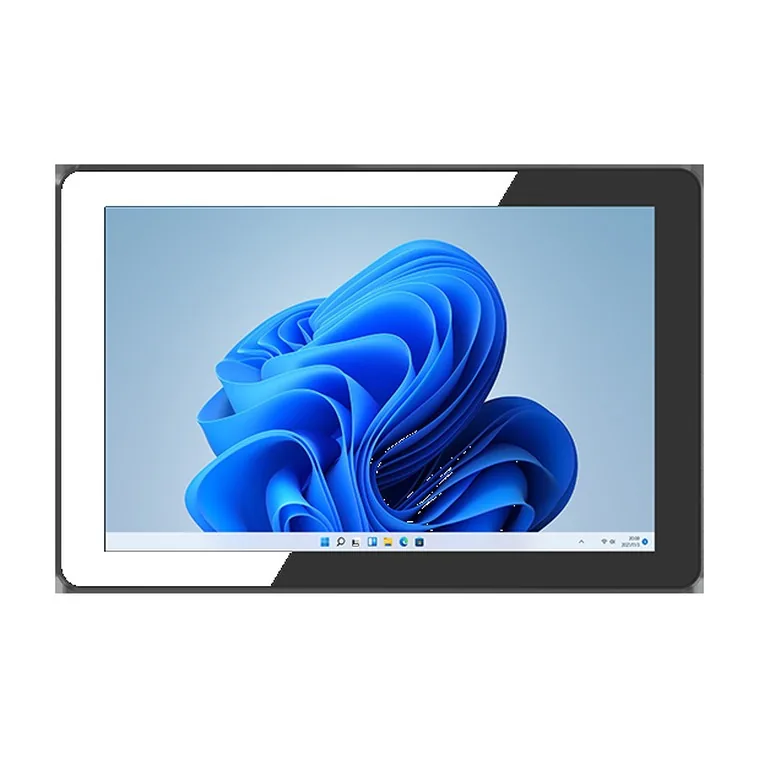
| Panel PC at the pass | Kitchen line | Steam-sealed screen for kitchen display where a consumer monitor fogs |
The mistake we see most often: groups buy consumer tablets for counting "just to start". Within two quarters, the fleet is half dead from grease film and drops, and the count is back on paper.
What the handheld must do before the first customer walks in
- Scan in low light. Storerooms count before the lights are all on; the scan engine needs to read shelf labels without a flashlight.
- Work with wet hands. Glove- and moisture-capable touch, or the count slows to typing speed.
- Queue when the chiller kills the signal. Cold rooms are Wi-Fi dead zones; the count must survive the room and sync on exit.
- Swap batteries. A count that dies at 80% because the outlet has no charger is the classic failure.
The kitchen display is a separate decision
Do not let the stock-count project buy the kitchen screens. The pass needs a sealed panel PC mounted where steam goes past it, integrated with the POS or KDS software. It is a fixed installation with its own electrical and mounting decisions — bundle it only when the vendor can do both.
Rolling it out across 8 to 80 outlets
Start with the count, not the kitchen:
- Phase 1 — one handheld per outlet plus one spare, running the group's inventory app. This pays for itself in variance reduction first.
- Phase 2 — tablets for receiving photos and floor checks where the volume justifies them.
- Phase 3 — panel PCs at the pass, store by store, with the POS integration.
Because phase 1 touches only the inventory app, it can run without touching the POS — which is where most F&B hardware projects get stuck in integration review.
We quote per group with outlet-level pricing and a shared spares pool. Tell us your inventory app and outlet count, and the quote comes back with the phase-1 fleet sized and the phase-3 plan pencilled in.