A 42-store pharmacy chain called me in the week after a quarter close. Inventory variance in the stores that had moved to a full-touch 6-inch PDA was 3.1% of cost of goods. The four stores still running the old keyed handhelds sat at 0.8%. Finance assumed the new stores were being robbed.
Loss prevention spent three weeks on camera footage and found nothing, because there was nothing to find. The problem was a two-digit number, entered about forty times a night, by someone standing in a backroom at 9:40 p.m. with a carton under one arm.
The count that reconciles to itself
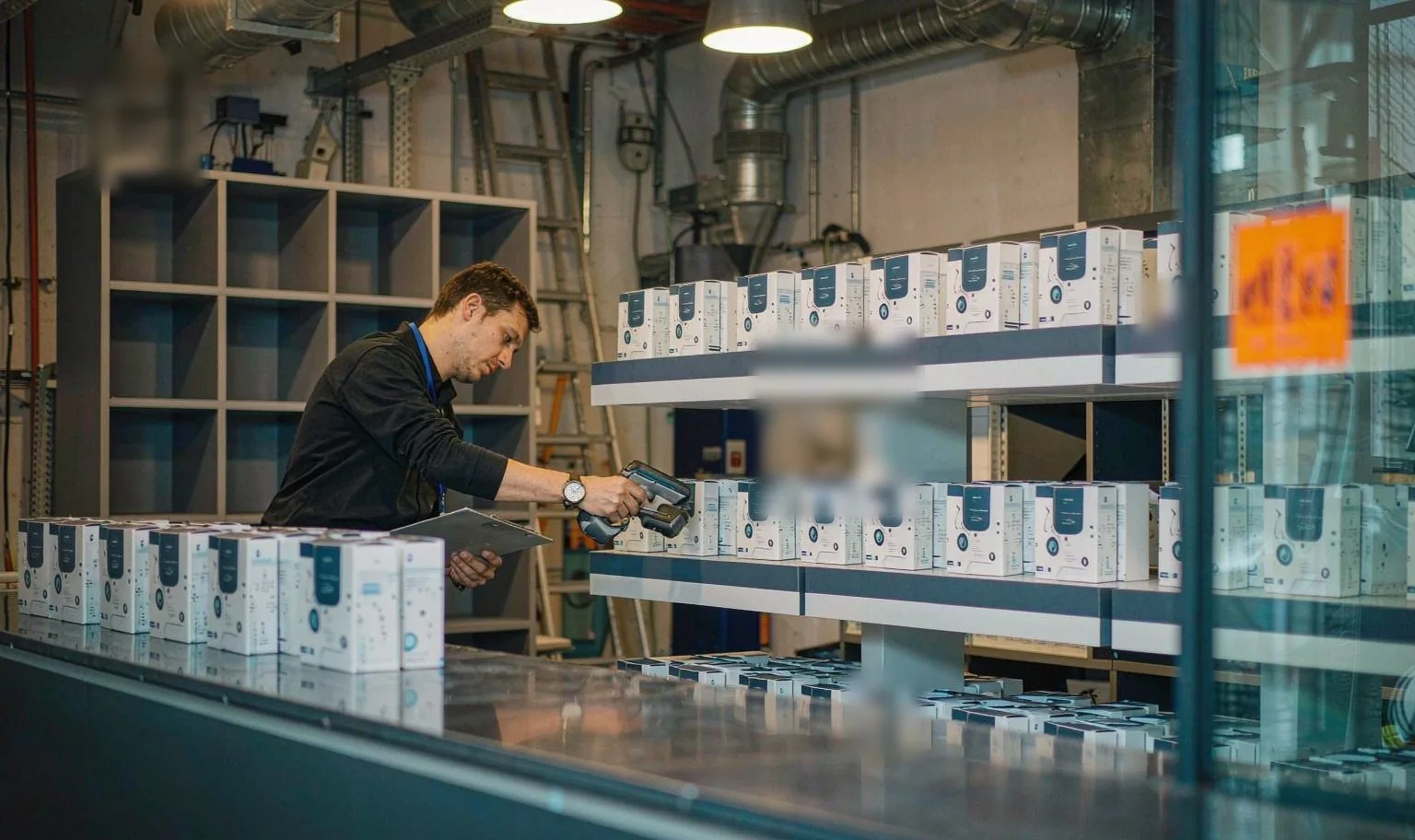
Backroom stocktakes in retail chains are usually blind. The app shows a barcode field, a quantity field and nothing else — no expected quantity, because showing it invites the counter to agree with the system instead of with the shelf. That is the right design. It also means the system has no mechanism to notice that you typed 21 when the shelf holds 12.
The wrong number does not fail. It becomes the record. Sales then deplete from a base that was wrong from the night it was entered, and the error hides inside ordinary shrink until somebody rolls up a quarter and finds a percentage that cannot be attributed to a person, a store or a week.
We pulled count logs from nine of those stores. The errors were not spread evenly across the night. They clustered in the last forty minutes, when the counter stops looking at the keypad.
That is the whole mechanism, and it is worth sitting with. On a touchscreen, numeric entry is a 3×4 grid of glass with no edges, occupying most of a 4-inch panel. A thumb finds 1, 4 and 7 by looking. A thumb on a physical key finds them by feel, and the screen stays free to show the scan result — which is the thing the counter is supposed to be checking in the first place.
Why a key changes the error rate
I do not have a lab study for this and I would not pretend otherwise. What I have is store-level observation, repeated often enough to be worth acting on: on keyed units, the same counters in the same stores produced variance in the 0.6–0.9% band. The counts were right. The entry was wrong.
Position without sight. A key is a raised object with an edge. After a few shifts the thumb knows where 5 sits. On glass, every entry is a visual task, and by the fortieth line the counter is entering digits while reading the shelf — which is exactly when a transposition gets through.
A discrete event per digit. A key bottoms out. You feel that it registered. Glass gives no confirmation until the field redraws, and in a dim backroom behind a scratched screen protector, the field is not always legible at a glance.
Glove tolerance. Backrooms are not all warm. The chilled store behind a fresh counter runs at 4–8 °C and staff keep thin gloves on. Capacitive panels handle thin gloves inconsistently; a key does not care what is on the finger.
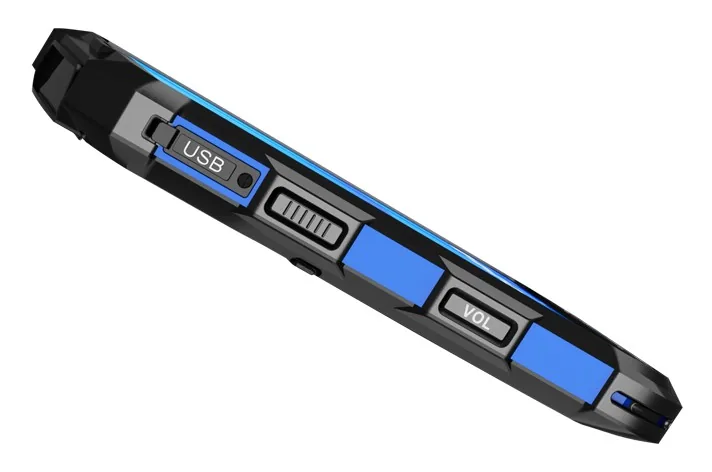
Weight in one hand. The unit I quote for this work is 245 g, 4.0-inch 480×800, with a 2D imager, an octa-core 2.3 GHz processor, 3 GB RAM (4 GB optional), 32 GB storage (64 GB optional), a 5000 mAh battery, IP67, a 1.5 m drop rating and a −20 °C to 60 °C operating range. That is the BH-F1. The 245 g matters because it is the mass the wrist holds while the other hand moves a carton, four hundred times, over two hours.
A four-inch screen also forces a discipline the bigger device lets you avoid. With one field visible, the app has to be built as scan, key, confirm. That is a worse demo and a better count.
What the small screen costs you
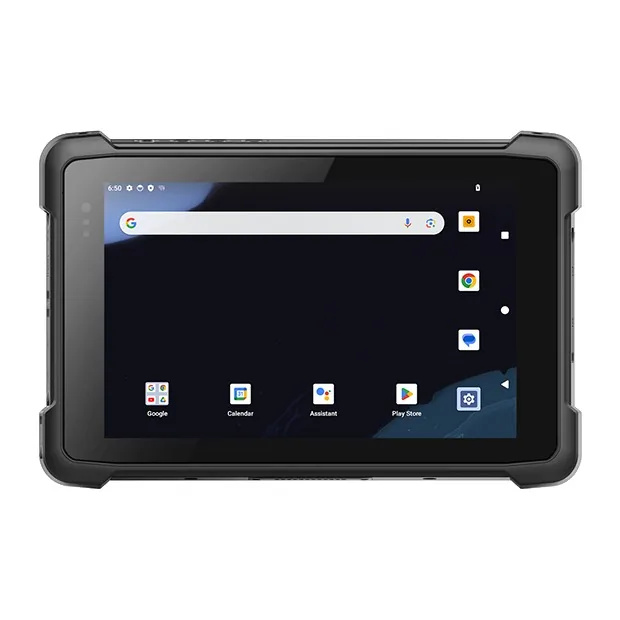
The 480×800 panel shows one field at a time. Any workflow that needs the SKU, description, location and quantity on screen simultaneously will scroll on this device, and no amount of software tuning fixes a pixel budget.
Signature capture is not viable. The signing box is too small for a recipient's mark to survive a dispute, and the digitizer reads a fast stroke as a straight line.
Photo evidence is not what this form factor is for. Framing a door number or a damaged carton on a 4-inch preview is guesswork, and whoever reviews the image later gets something they cannot use.
PDF drawings and long exception lists are readable. They are not pleasant, and a store doing returns reconciliation all afternoon will hate you for it.
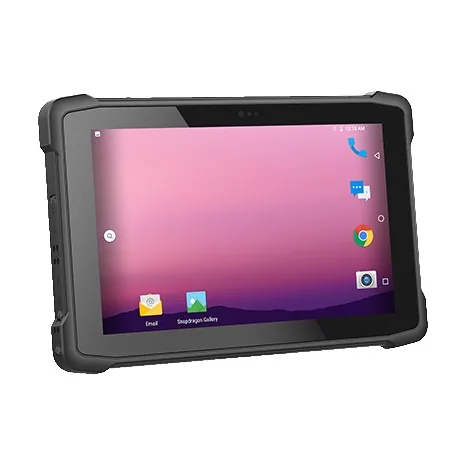
Where I would not put it. Goods-in against a supplier ASN, where one carton triggers a twenty-field form, belongs on a 6-inch screen. The returns and exceptions desk belongs on a 6-inch screen. Delivery signature capture at a customer door needs the larger panel. A site running a full WMS GUI — the SAP EWM or Manhattan screens designed for a 6-inch minimum — will find a 4-inch window unusable regardless of how good the keys are. And a store that counts twice a year should keep the tablet it already owns; the entry-error saving will not repay a hardware change at that volume. This device earns its place where counts are frequent, blind, and done standing up with one hand occupied.
The drop is a corner, not a face
The 1.5 m figure on the datasheet is a six-face drop onto concrete, at room temperature, with a specific unit. Your backroom is not that test.
Your device lives in a belt holster at about 1.1 m. It gets picked up from a rolling ladder whose top step is 1.8 m. The floor is ceramic tile with grout lines, and the device does not land flat — it lands on a corner, and the corner concentrates the whole impact into a few square millimetres.
The failure I see most often is a hairline crack at the top corner of the scan window. It reads perfectly for a week. Then it starts failing on the small labels — the 0.25 mm module on a repacked item, the faded label on a shelf edge that has been wiped a thousand times — while still reading the big thermal label at the service desk. The store reports "the scanner has got slow", the service desk tests it on a fresh 0.33 mm label, the device passes, and the ticket closes without a fix.
Two practical notes. First, mass helps: a 245 g unit carries less energy into that corner than a 400 g one, which is a real durability argument for the small device and not just an ergonomic one. Second, test the drop where the drops happen. Take one unit up your own ladder, drop it corner-first onto your own tile ten times, then go and read the worst label in the building. That takes four minutes and tells you more than the drop specification.
Twenty minutes, forty positions
If you suspect entry error and want to know before you buy anything, this isolates it from counting error. You need one bay, one device with your actual app on it, and a colleague.
- Pick forty shelf positions in a bay that gets counted every month. Export the book quantities from the WMS, then have someone re-key the list without the quantities so nobody can see the expected answer.
- One person counts the bay on paper. Ten minutes. This is your reference count.
- A second person counts the same bay on the device, scanning and keying, and does not see the paper.
- Compare the device record to the paper record. Every difference is either a miscount or a miskey, and you can tell which by looking at the shelf.
- Now hand the paper list back and have someone enter the forty quantities into the device from the sheet, no scanning. Any difference here is pure entry error.
Two or more entry errors per hundred lines means the entry path is costing you accuracy, and no amount of retraining will fix a glass keypad. Zero, and your variance is coming from somewhere else — a mislabeled location, a transfer that was never confirmed, or a receipt posted against the wrong SKU.
Run step five with thin gloves on, and run it once holding a carton in the other hand. That is the condition the count actually happens in.
If your variance will not close and the count logs show errors clustering at the end of the night, send me the count sheet and the name of the app you run. I can tell you which part of that gap is the hardware and which part is the workflow — and I will say so when it is the workflow, because a keypad on the wrong process is just an expensive keypad.