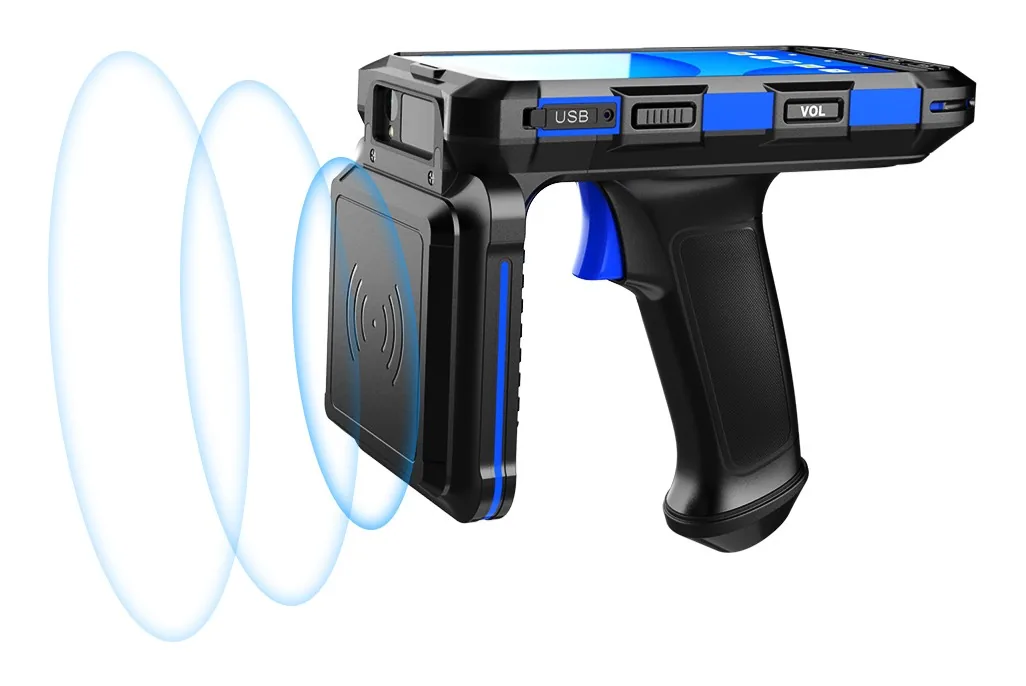
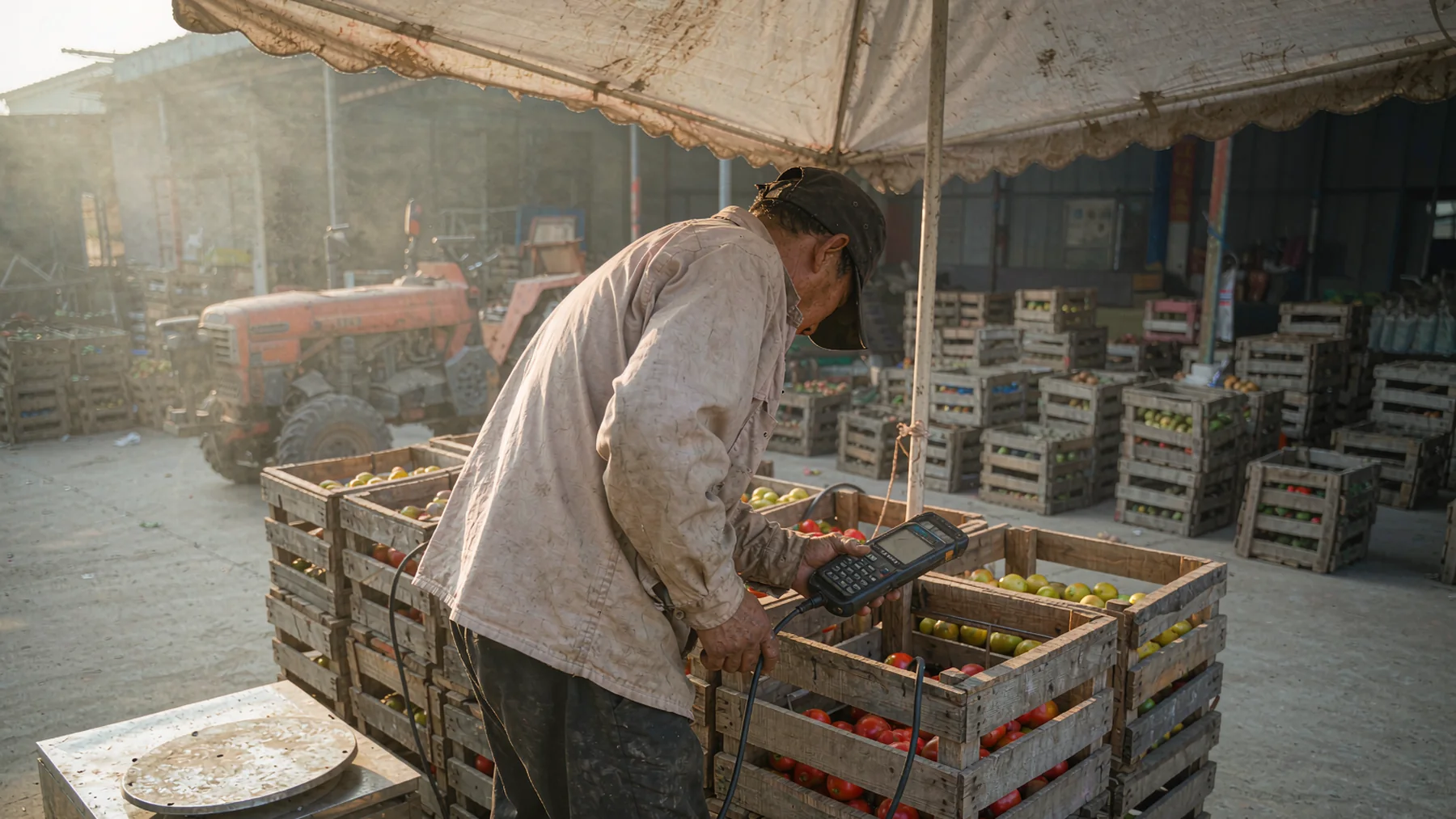
Fixed turnstiles assume a permanent entrance, steady power and a crowd that arrives one way. Most tourism and public-sector venues have none of those things. A park's side gate opens on holiday weekends, a trade show builds its entrance for three days, and a museum runs a temporary exhibition in a hall that was never designed for ticketing. This is where a handheld terminal does the work of a gate.
Where the old process breaks
The same problems show up across scenic areas, exhibitions, museums, enforcement teams and industrial parks:
- Queues at the main gate while side entrances sit idle. A turnstile cannot be moved, so everyone funnels through one choke point.
- Paper visitor logs. Slow to write, hard to read, and the data never reaches the back office on the same day.
- Counterfeit and reused tickets. Without a system check, a paper ticket can be presented twice and nobody knows.
- Enforcement and inspection with no evidence trail. A clipboard record has no location, no timestamp and no photo.
- Unreliable signal. Mountain parks, exhibition halls and outdoor sites often lose the network exactly where staff need it.
A rugged Android handheld such as the BH-F2 replaces the paper and the fixed reader in one device, and it moves wherever the crowd is.
The eight jobs one handheld covers
The same unit moves through the full working day rather than serving a single purpose:
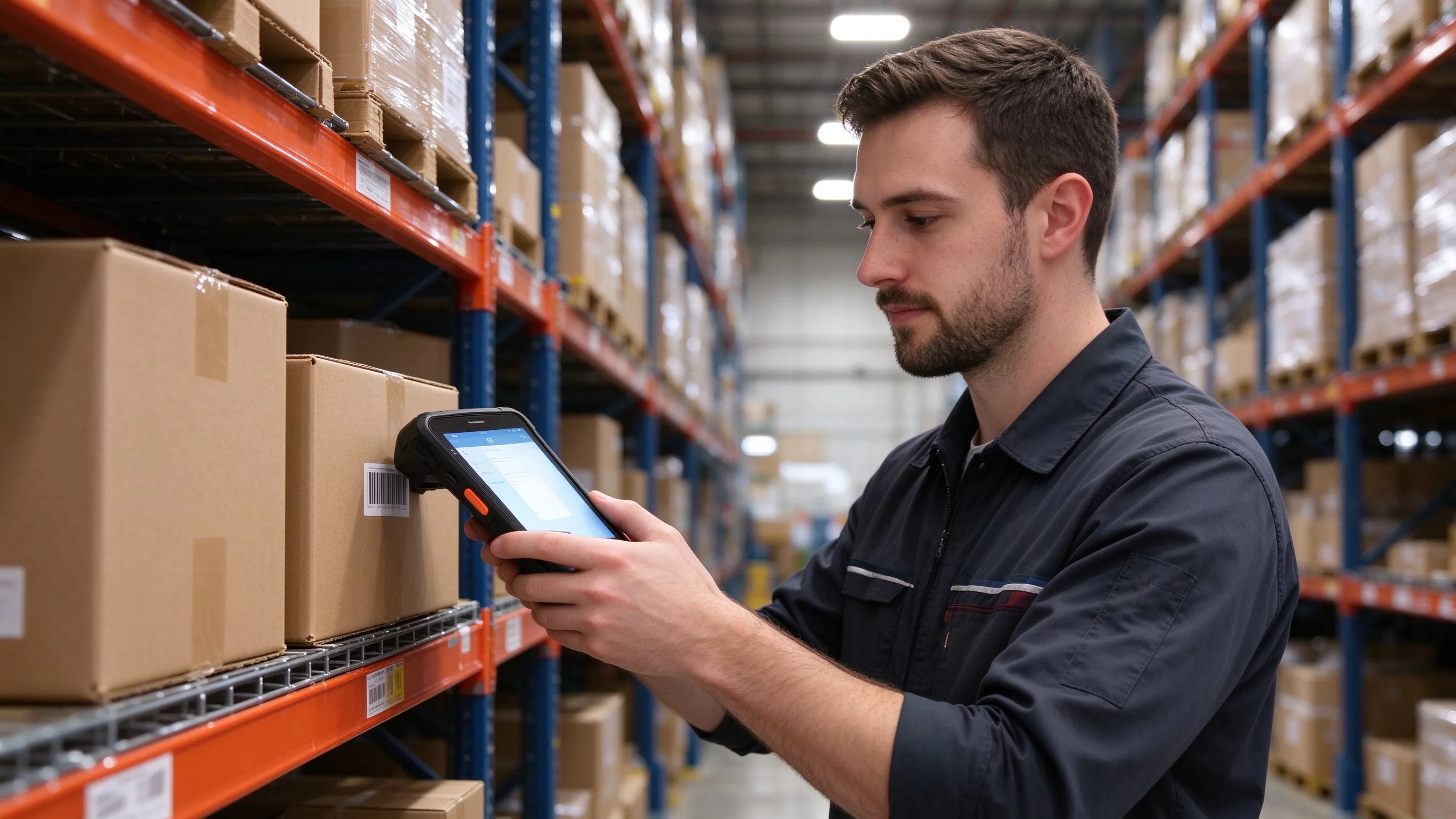
- Mobile ticket checks at parks and scenic spots — scan the QR code on a phone or a printed ticket, validate it against the ticketing system, and flag expired or already-used tickets.
- Event and race sign-in — distinguish VIP tickets from general admission, register attendance and count arrivals in real time.
- Museum and cultural venue ticketing — validate entry for temporary exhibitions, then scan exhibit point codes for inspection rounds.
- Mobile enforcement and market checks — verify permits by scanning, record findings, take photos and attach the location to the case file.
- Visitor registration and access control — read and write NFC visitor cards and wristbands at the gate.
- Asset and facility inspection — scan equipment codes, report faults and generate maintenance work orders.
- Attendance and ticket statistics — separate online channels from on-site sales and reconcile tickets against actual entry.
- Emergency and offline operation — keep scanning when the network fails and upload everything once it returns.

What the hardware actually has to do
A consumer phone will run the ticketing app for an afternoon. It will not survive a season. The specs that matter on these sites:
| Requirement | Why it matters outdoors |
|---|---|
| 2D imager | Reads phone screens, paper tickets and damaged or folded codes — QR, PDF417 and DataMatrix |
| IP67 sealing | Rain, dust and the occasional drop at a busy entrance |
| Offline storage | Caches every scan locally and syncs when the network recovers |
| 5050 mAh battery | Covers a full 12-hour shift on a peak holiday |
| NFC at 13.56 MHz | Reads visitor cards, wristbands and access tags |
| GPS and BeiDou | Pins enforcement and inspection records to a location |
| Sunlight-readable 6-inch screen | Stays legible in open-air daylight |
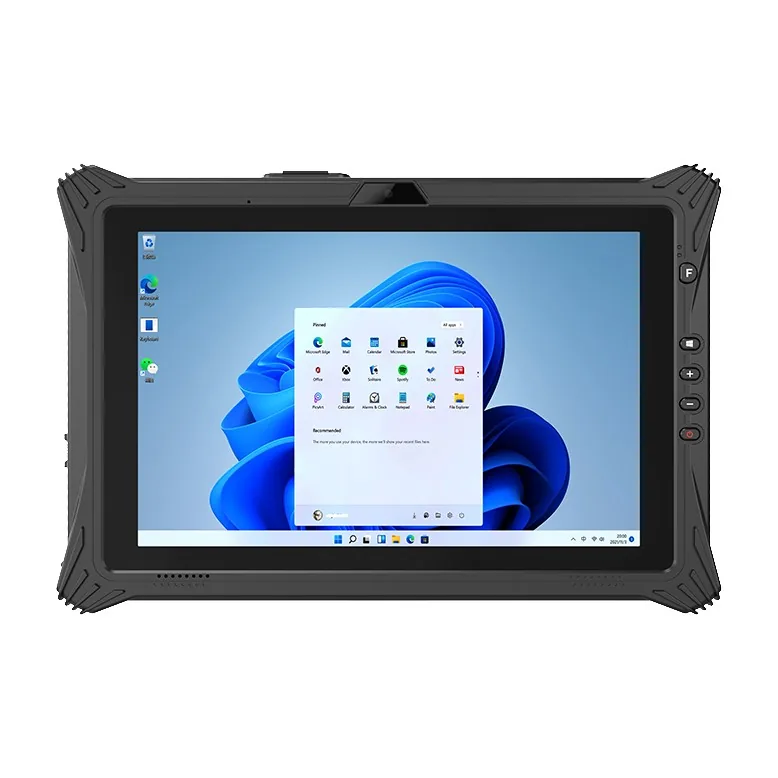
The F2 runs Android 15, so the ticketing app, enforcement client or visitor management system installs directly, and an open SDK covers custom integration where the platform needs it.
The workflow at the entrance
The staff member opens the ticketing app and scans the visitor's code. The system returns a result in under a second: a valid ticket clears the visitor, while an expired or duplicate ticket raises an alert. If the network is down, the device stores the record locally and batches it to the server once the connection returns. The visitor does not notice the difference, and no entry record is lost.

Questions to answer before you buy
Three decisions settle the shortlist:
- Which integration pattern does the ticketing platform use? Ask the software vendor whether it needs a standard keyboard-wedge scan, a broadcast/SDK listener or a browser client. The answer changes the device list more than any spec.
- Where will the devices actually work? Outdoor sites need the IP67 rating, bright screen and long battery; indoor halls can trade some of that for lighter units.
- What happens when the network drops? If the business cannot stop at a dead zone, offline caching with automatic sync is a hard requirement, not a feature.
We pre-configure pilot units with the scanner mode, keyboard layout and kiosk settings the software needs, so the first real test runs on day one. Send the name of the ticketing platform and the venue type, and we will confirm which models already run on it.