Bright Alliance Tech Limited · Shenzhen factory liaison, direct prince@brightalliance.net WhatsApp +86 158 8972 3515
Courier, Parcel & Last-Mile — application environment
Deployment

Courier, Parcel & Last-Mile

A parcel changes hands four times before it reaches the door. The scan has to work at every one of them.

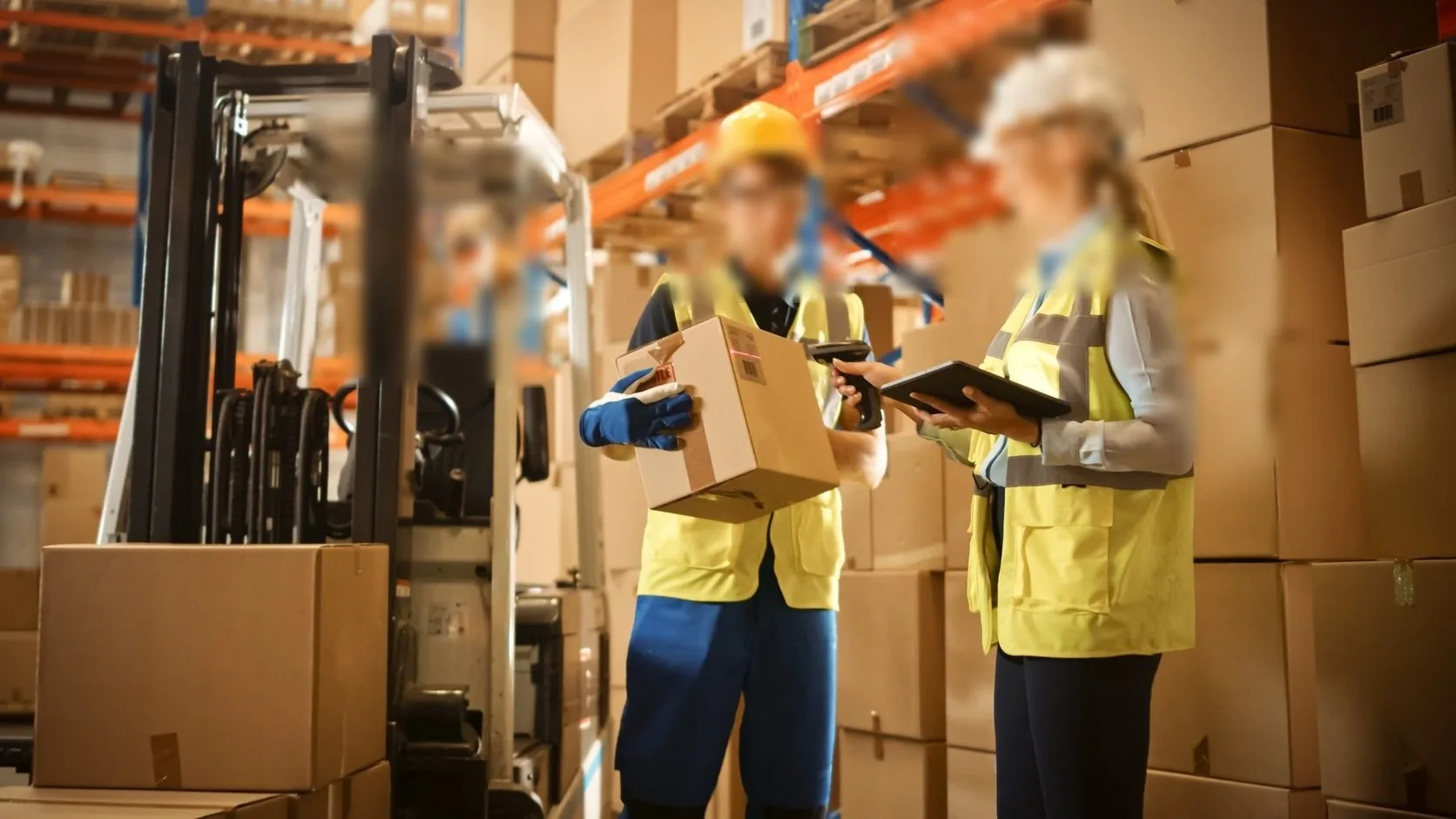
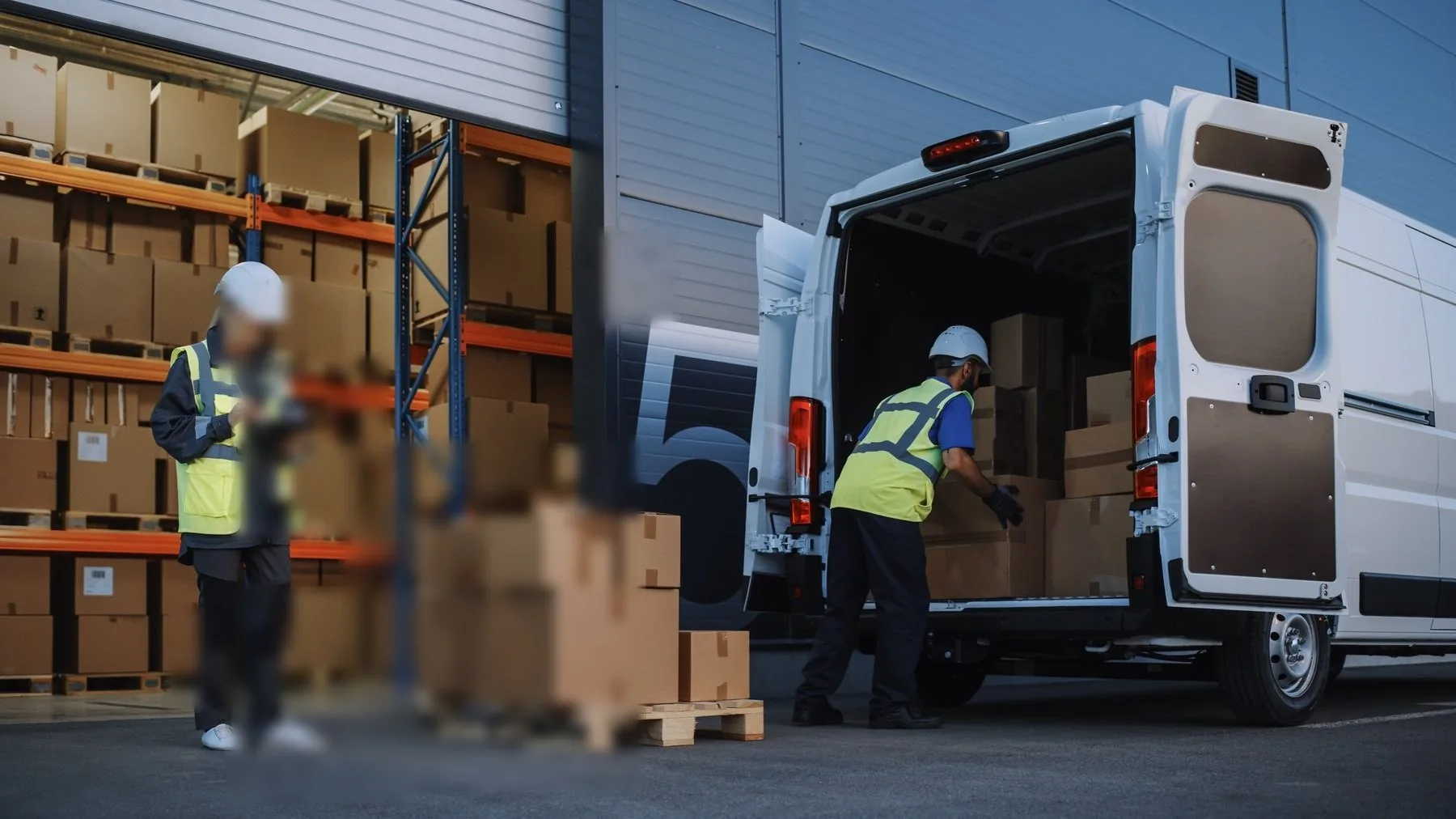
Last-mile hardware is judged at 5am on a wet kerb, not in a meeting room. The device is dropped, rained on and handed to a different rider each shift; the app must capture proof of delivery with photo, geo and signature even when the mobile network has disappeared behind a gate or a lift shaft. Consumer phones survive a season. Rugged handhelds survive the contract.

Who actually makes the purchase

Courier franchisees, 3PL last-mile operators, parcel-shop (PUDO) networks and e-commerce sellers running their own delivery fleets.

Where these projects stall

Typical software in this stack
Route optimisation appsCarrier WMSCustom Android delivery apps
Devices quoted here: 4
Send this requirement
01

Proof of delivery is the whole product

Photo, GPS stamp and signature must reach the platform in one action. A consumer phone does it until the first drop on concrete; then PODs fail silently and disputes follow.

02

Peak season turns devices into consumables

11.11 and holiday peaks mean temporary riders, shared devices and charging at the depot. Spare batteries and cradles matter more than raw specification.

03

Dead zones at doors, basements and lift wells

The delivery scan is the moment connectivity is worst. The app must queue offline and sync later — and the hardware must hold the queue through a battery-swap.

Usage scenario

How the work actually runs

Parcel delivery is high-frequency and high-variance: hundreds of scans, a route that changes under you, exceptions at every other door, and proof to capture before you drive on.

Courier, Parcel & Last-Mile — on site
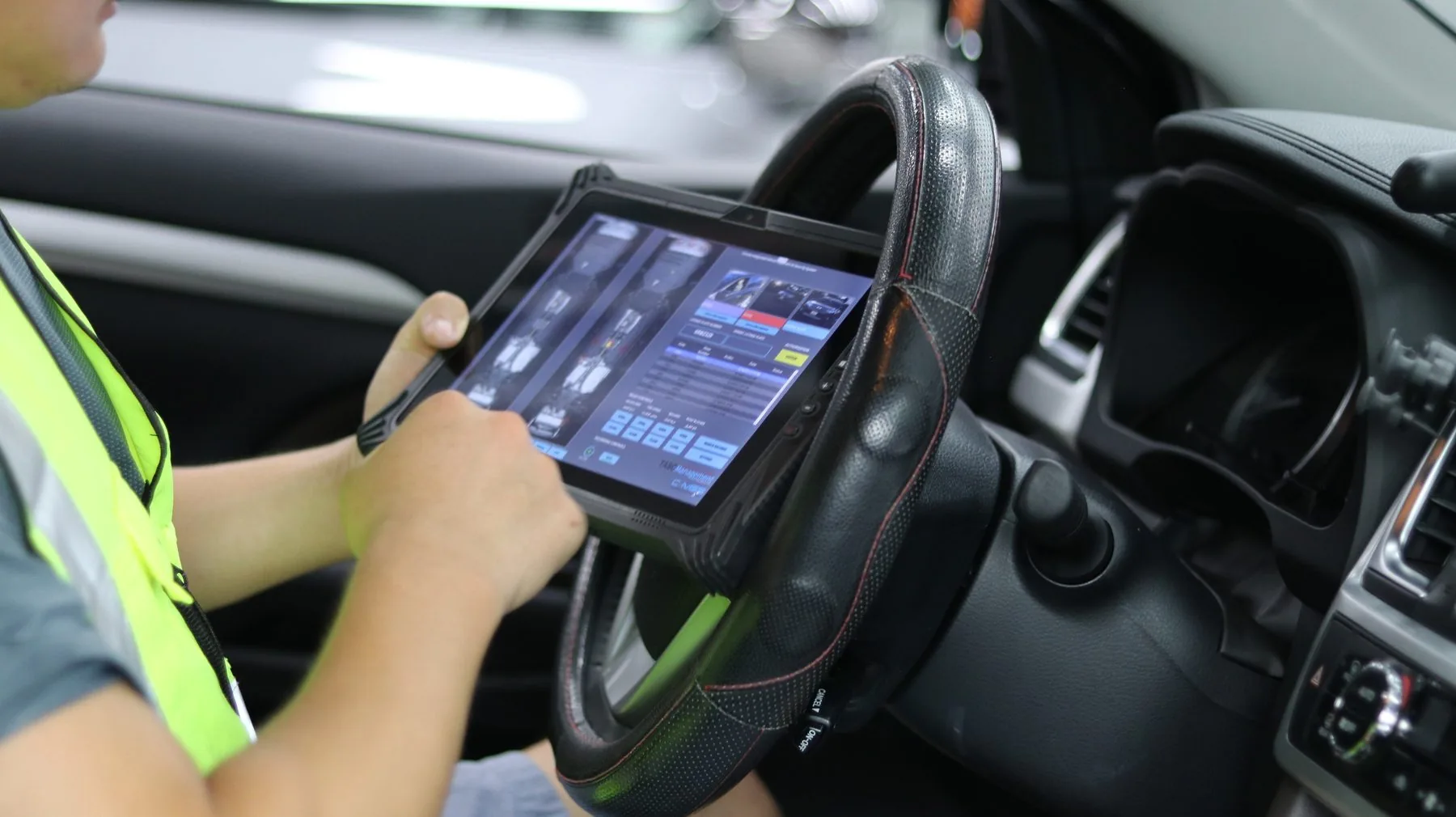
ON SITEIn-cab terminal, docked and charging

01The repeating loop of a route

Workflow
  • Route dispatch — jobs, stops and reassignments pushed from the system.
  • Parcel scan and verification — pickup, drop-off, damaged-label exception.
  • Proof of delivery — signature, photo, timestamp, location tag.
  • Customer communication — notes, contact attempts, delivery instructions.
  • Exceptions and returns — not-at-home, wrong address, re-attempt scheduling.
02Tablet or handheld

Selection
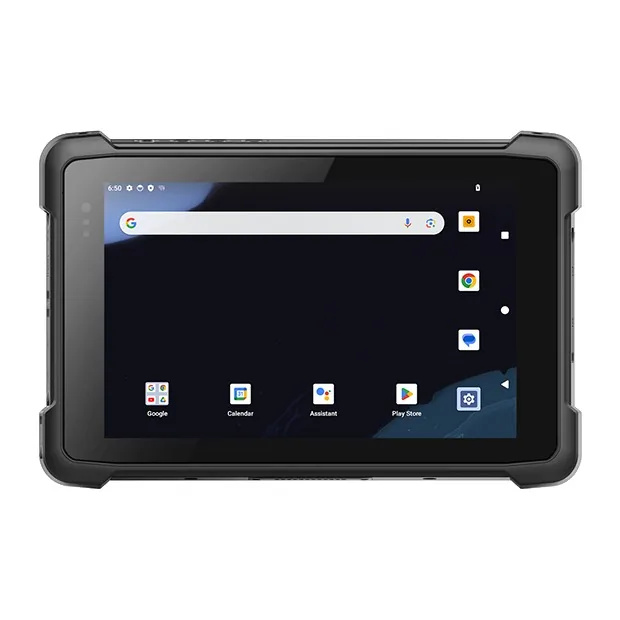
  • Rugged tablet — driver terminal: navigation, stop list, POD capture.
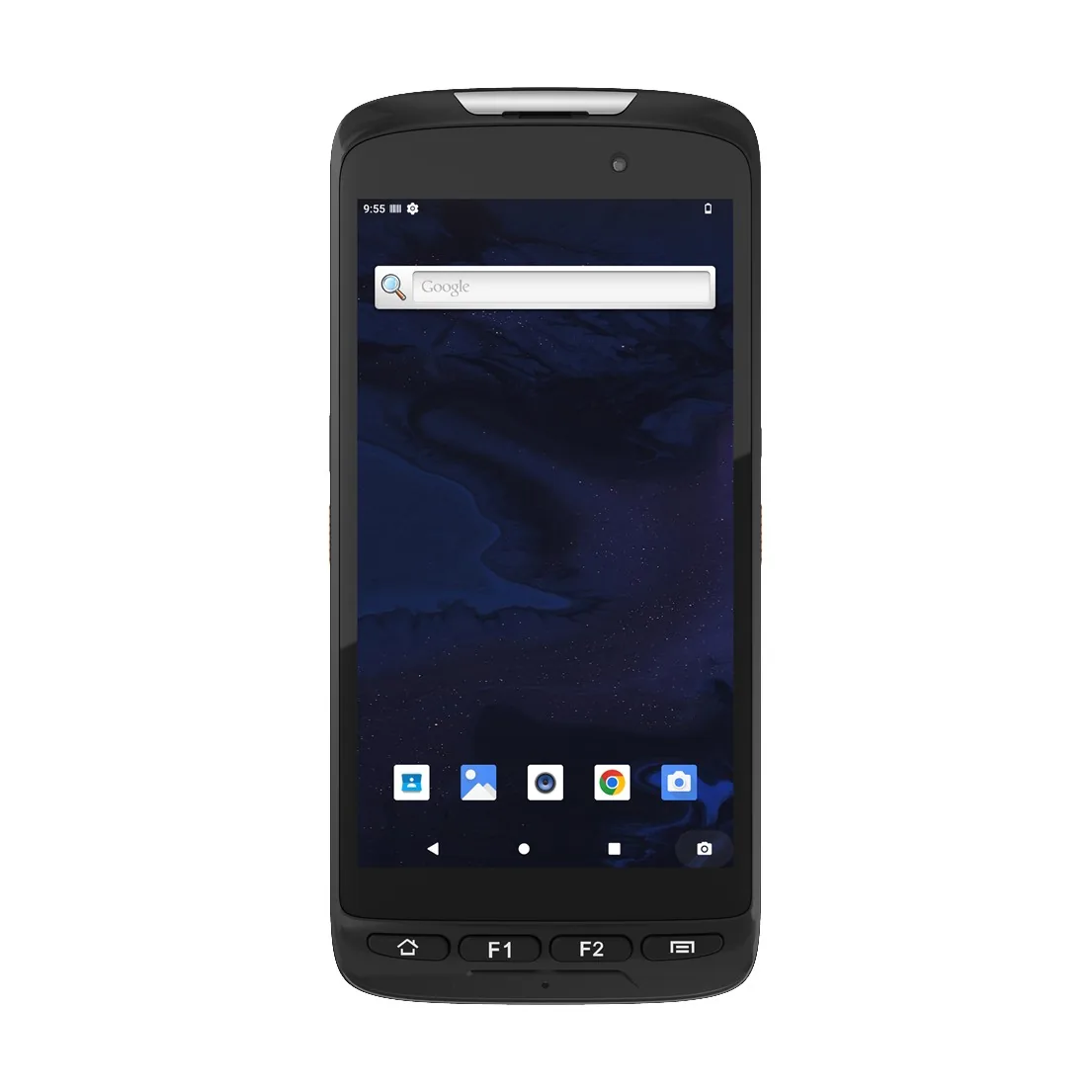
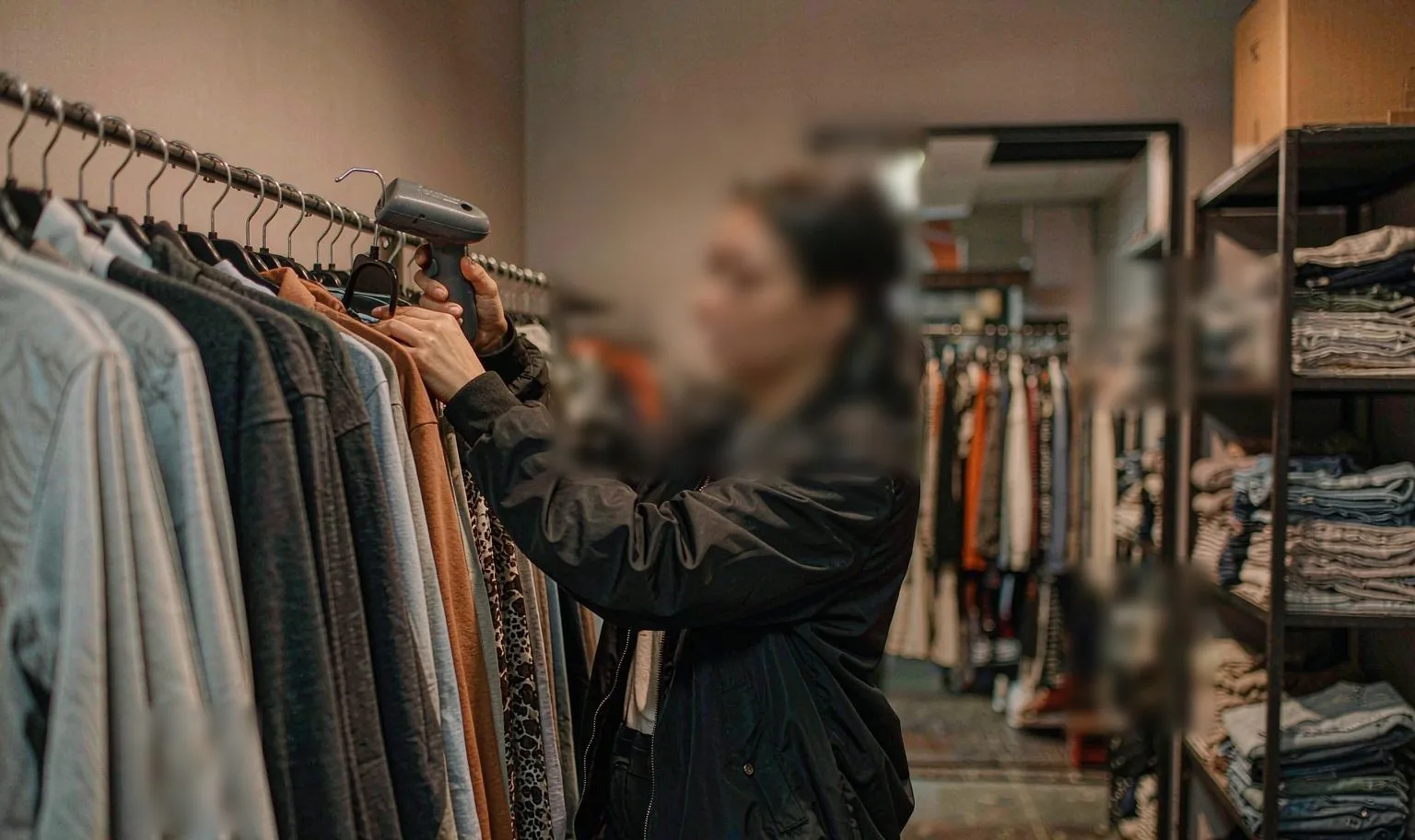
  • Rugged handheld — scan-heavy routes where trigger-style reads are faster.
  • Long-range scanning — cages and loading lanes, not the doorstep.
  • NFC or fingerprint — only when shared devices need clean attribution.

03Decision points that change the outcome

Spec
  • Imager tolerance for crushed, wet and partly torn labels.
  • LTE/5G stability on the route, fast handoff at the depot.
  • Vehicle dock with correct power input, no intermittent charging.
  • Sunlight-readable, anti-glare screen — worth more than resolution.
  • Automatic timestamp and GPS tagging for dispute reduction.

04What the pilot has to prove

Pilot
  • Stops per hour before and after, with the same driver.
  • Mis-delivery rate and how quickly a dispute is closed.
  • Battery through a full shift with the real app running.
  • One-hand handling at the door — drop, rain, gloves, sunlight.
  • Offline capture in dead zones and clean re-sync at the depot.
Data flow

How the information actually moves

This is the part that decides the device. Each step below has a different requirement for screen size, scan engine and connectivity.

01Route manifest syncDepot pushes the day's route to the handheld before wheels roll.
02Pickup scanParcel barcode scanned at collection; weight and pieces confirmed.
03Line-haul & sortHub scans sort parcels to the right van; exceptions flagged instantly.
04Delivery scan + PODScan, photo, geo and signature captured in one pass, queued if offline.
05ReconciliationEnd-of-route report closes the manifest; failed deliveries route to redelivery.
Questions we get

Before you ask

The questions that come up on almost every project in this sector, answered before the first call.

All questions
01Can we start with ten devices for one depot?
Yes. A single-depot pilot is the normal entry point. We size batteries and cradles for the shift pattern so the pilot measures the real thing.
02Do the handhelds work with our POD app?
Android models ship with GMS, so camera, GPS and signature capture in standard delivery apps work out of the box; the scan engine delivers via keyboard wedge or broadcast intent.
03What happens when a device is dropped?
Units are tested to repeated drops onto concrete. In practice the swap unit comes from the depot spares pool — which is why we quote spares with the fleet, not after the first breakage.
04Can you supply five units for a pilot?
Yes. A pilot is the normal entry point. We quote single units at sample pricing and support the pilot with spare parts on the same order — a spare battery and a cradle, not a pallet.
05Do the Android units ship with GMS?
Most Android models ship with GMS. For builds where Google services must be absent, we supply a GMS-free firmware on the same hardware — say so at the quotation stage, because it is a firmware decision, not a setting.
06What warranty do you give?
One year as standard, covering the unit and the battery against manufacturing faults. Extended cover and advance-replacement terms are available for fleets — ask for them with the quotation, not after the first failure.

Running a courier & last-mile project?

Send the workflow and the software stack. You will get two models and the caveats, not a catalogue.

Chat with Prince · WhatsApp