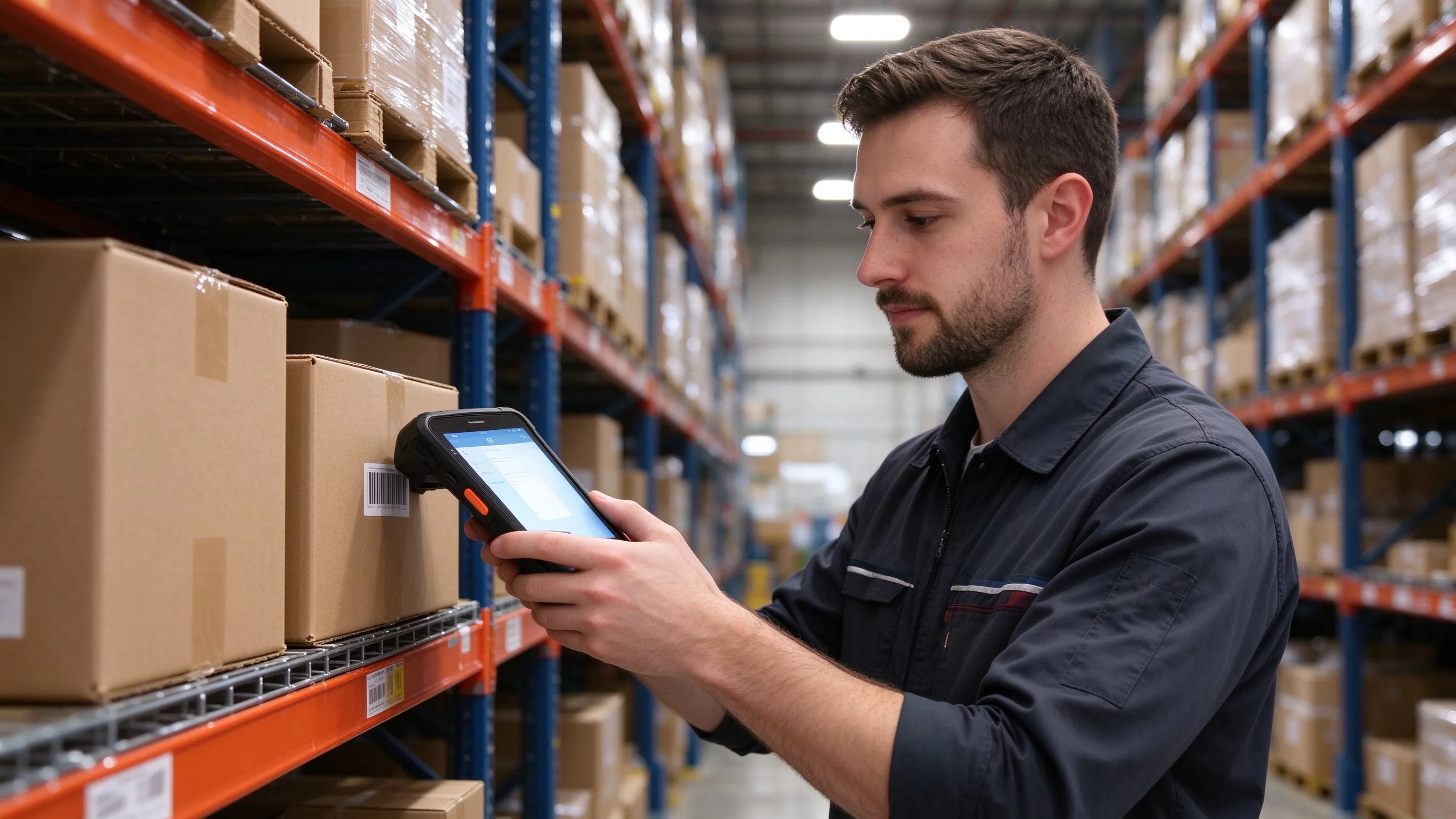
Every warehouse has jobs that do not need a big screen. Cycle counts, shelf price checks, put-to-light picking and parcel sortation are repeated thousands of times a shift, and the device spends more time in a pocket or holster than in two hands. A full-size touch PDA is overkill there; it is heavier, slower to draw, and the screen adds nothing when the work is aim, scan and confirm. This is the job a small keypad handheld is built for.
Where a large touch device slows people down
The same friction appears across retail shelves, distribution centres and sortation hubs:
- One-handed work. When the other hand is holding a box or moving stock, a physical key lets staff confirm entries without a second hand or a stylus.
- Gloved and cold-store use. Thick gloves make precise touch typing unreliable; raised keys are found by feel instead of by sight.
- End-of-shift fatigue. Carried for eight hours, every extra hundred grams on the wrist is felt. A 245 g unit disappears into a belt holster.
- Noisy, fast scanning lines. Sortation and receiving bays need a scan plus one keypress, not a multi-step touch workflow.
- Mixed user base. Casual and seasonal staff learn physical keys faster than they learn an on-screen menu.
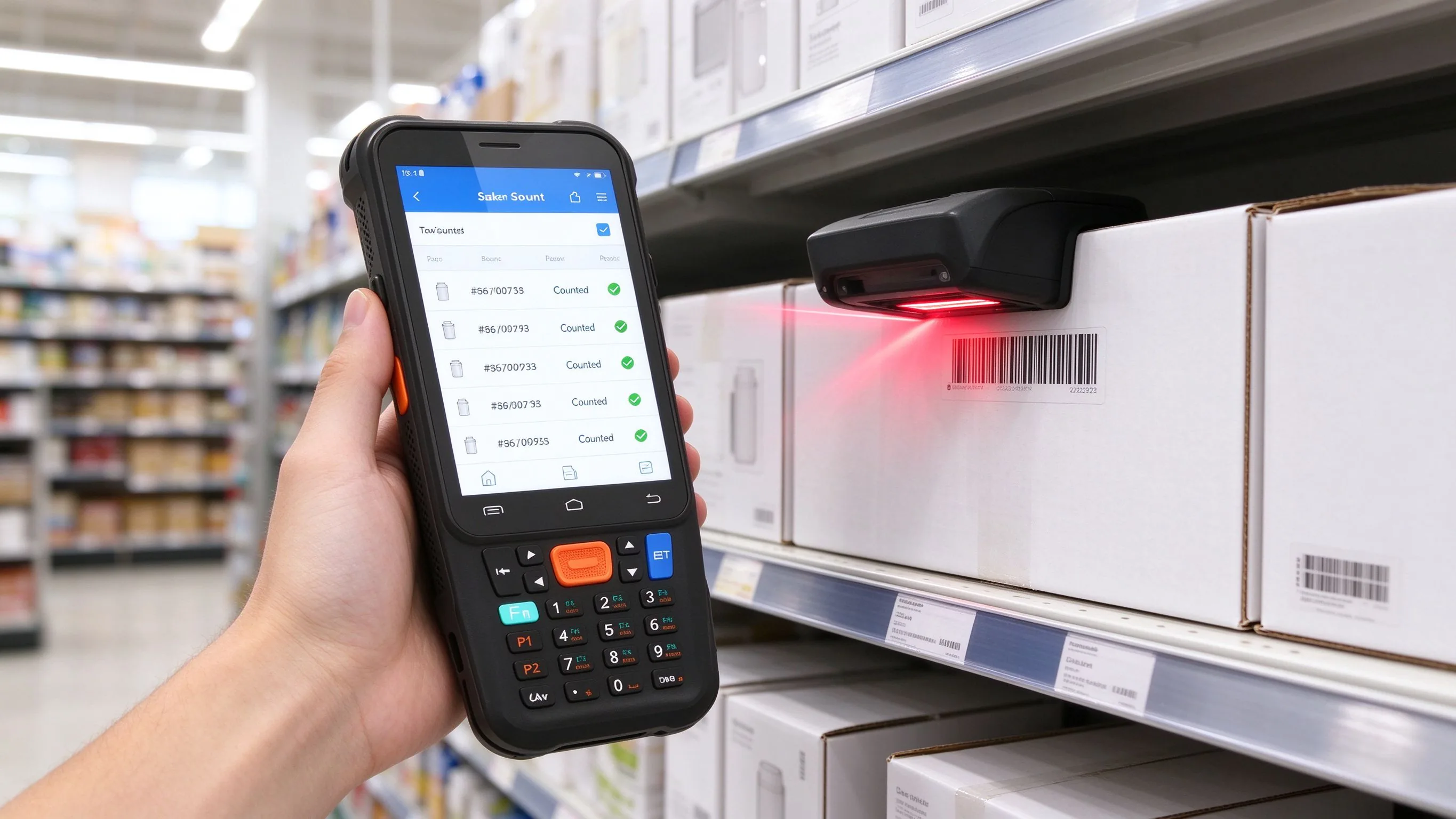
A rugged Android handheld such as the BH-F1 pairs a 4-inch screen with a numeric keypad and a 2D imager, so the common path stays one-handed and fast.
The jobs one compact unit covers
The same device moves through the full working day:
- Cycle counts and stock takes — scan the shelf label, key the quantity and move to the next bay without opening a menu.
- Price and shelf-edge audits — read the product code, confirm the tag and flag mismatches against the planogram.
- Receiving and put-away — scan inbound cartons and record the location in one motion.
- Parcel sortation — scan the routing code and confirm the lane with a single keypress on the conveyor line.
- Picking and replenishment — verify each pick and key exceptions such as short or damaged stock.
- Asset and room checks — scan equipment tags during routine rounds.
- Ticketing and gate checks — validate codes at seasonal or temporary entrances where a fixed reader is not installed.
- Offline operation — keep scanning in weak-signal basements and dock areas, then sync when the network returns.
What the hardware actually has to do
A consumer phone will run the app for a day; it will not survive a year on a concrete floor. The specs that matter for high-volume scanning:
| Requirement | Why it matters on the floor |
|---|---|
| Numeric keypad | One-handed confirm and quantity entry, usable with gloves |
| 2D imager | Reads worn, folded and angled codes — QR, PDF417 and DataMatrix |
| IP67 sealing | Dust in the bay, spills and rain at the loading dock |
| 1.5 m drop rating | Survives the repeated falls that come with holster work |
| 5000 mAh battery | Covers a full shift with heavy scan volume |
| 245 g weight | Carried all day without wrist fatigue |
| -20 °C to 60 °C | Keeps working in freezers and hot receiving bays |
| Android 11 | The WMS or inventory app installs directly, with an open SDK |
The F1 runs Android 11 on an octa-core 2.3 GHz platform with 3 GB / 32 GB standard (4 GB / 64 GB optional), enough for the scanning and inventory clients that run on compact units.
The workflow on the shelf
The operator draws the unit, scans the location or product code and keys the quantity. The WMS accepts the entry with a short confirmation, and the next scan starts immediately — there is no tap-through between items. In a dead zone the records queue locally and batch to the server once the connection recovers, so a count in a basement never loses a line.
Questions to answer before you buy
Three decisions settle whether a compact keypad unit is the right fit:
- Is the screen doing real work, or just confirming scans? If the app is mostly aim-scan-confirm, a keypad handheld is faster and cheaper; rich forms and signatures need a larger touch screen.
- Will staff wear gloves or work one-handed? Physical keys are the reliable path where touch input struggles.
- How many scans per shift? In the thousands, the weight and the one-handed flow matter more than raw screen size.
We pre-configure pilot units with the scan mode, keyboard layout and keypad mapping the software needs, so the first real count runs on day one. Send the name of the WMS or inventory platform and the working environment, and we will confirm whether the F1 already runs on it.