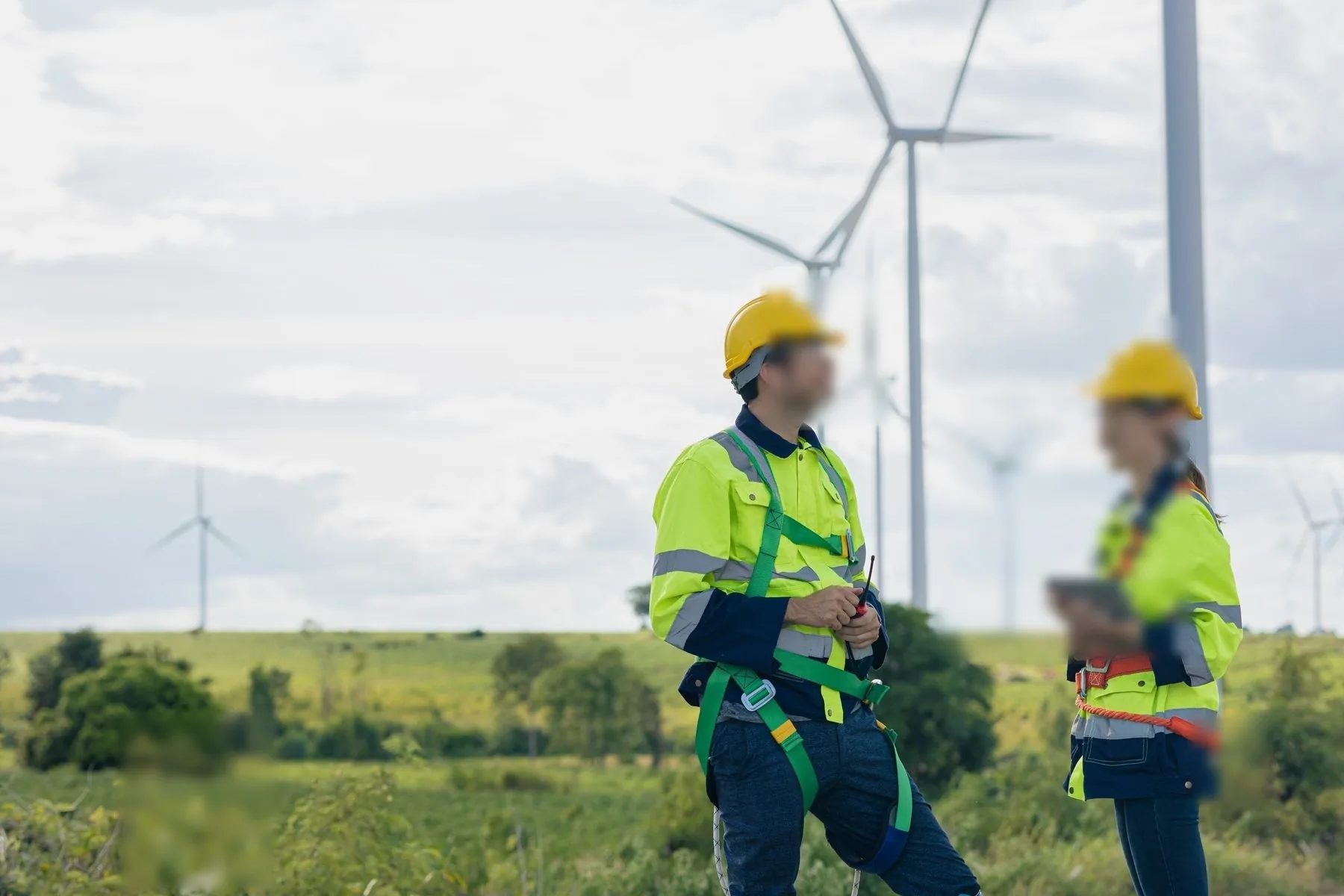
A distribution-pole inspection is ninety seconds of work wrapped in a hour of logistics. The crew drives sixty kilometres, parks under the pole, opens the inspection form, scans the asset tag, records the condition, photographs the defect, and drives on. The work itself is trivial. What breaks it is everything around the ninety seconds: the reflective tag blinding the imager in afternoon sun, the form refusing to load because the site has one bar of signal, the screen washing out so the inspector types the reading "back at the truck" — which means from memory, which means wrong.
Teams searching for the best rugged PDA for utility field inspection are usually not shopping for a scanner. They are shopping for that ninety seconds to survive contact with the field: one-handed operation at the pole, a read on the first trigger pull in direct sun, a form that opens and queues offline, and a battery that is still alive on the last pole of the loop. The tablet has its place in a utility van — drawings, maps, heavy forms. This article is about the handheld that does the loop.
Why the one-handed PDA carries the pole, and the tablet carries the van
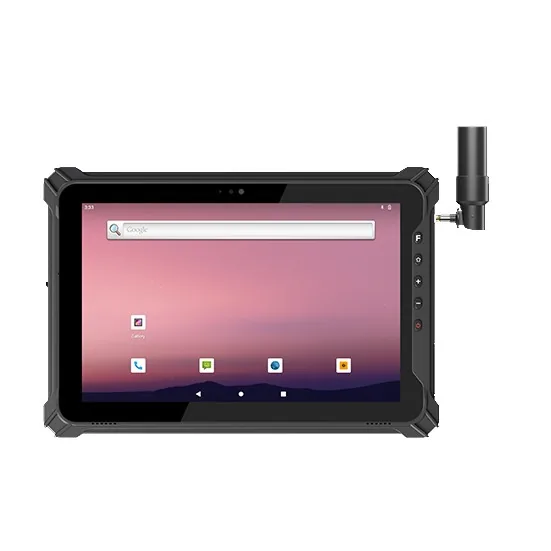
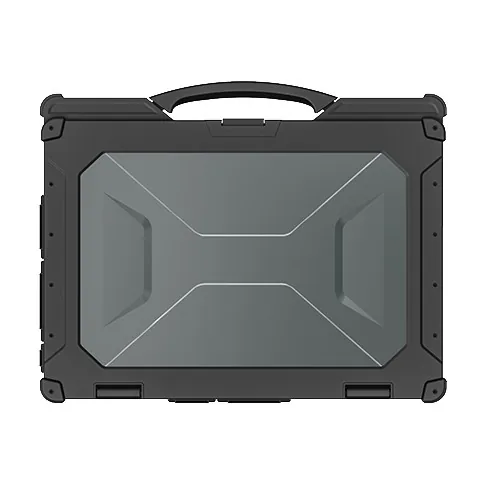
Utility crews end up with a division of labour, not a single device. The tablet is right for the jobs that happen sitting down: reviewing the day's route, marking up a substation single-line diagram, closing out a work order with a full keyboard. The moment the job involves a ladder, a reach, a glove, or a walk along a fenceline, the one-handed rugged PDA wins on physics alone: it scans with one trigger pull, it survives the drop from the top of a pickup, and it stays in a holster instead of a bag.
The failure mode is pretending one device covers both. A tablet-only crew either delays data entry to the truck (the "from memory" problem) or hands a 12-inch slate up a ladder. A PDA-only crew fights the forms that were designed for a bigger screen. The mature pattern is a scanning PDA per crew member and one or two shared tablets per van — with the same offline app on both, so the record is born at the pole, not in the parking lot.
The three specs that decide daylight scanning
Searches like "Android PDA for asset tag scanning" or "rugged handheld for asset management" quickly collide with an uncomfortable field truth: utility asset tags are among the worst barcodes in any industry. They are retroreflective (engineered to bounce light straight back, which saturates cheap imagers into white glare), printed on metal or laminated polyester, weathered for a decade, mounted at read-distance from the ground, and read while the inspector stands in full sun.
Three datasheet lines separate the terminals that read them from the ones that do not:
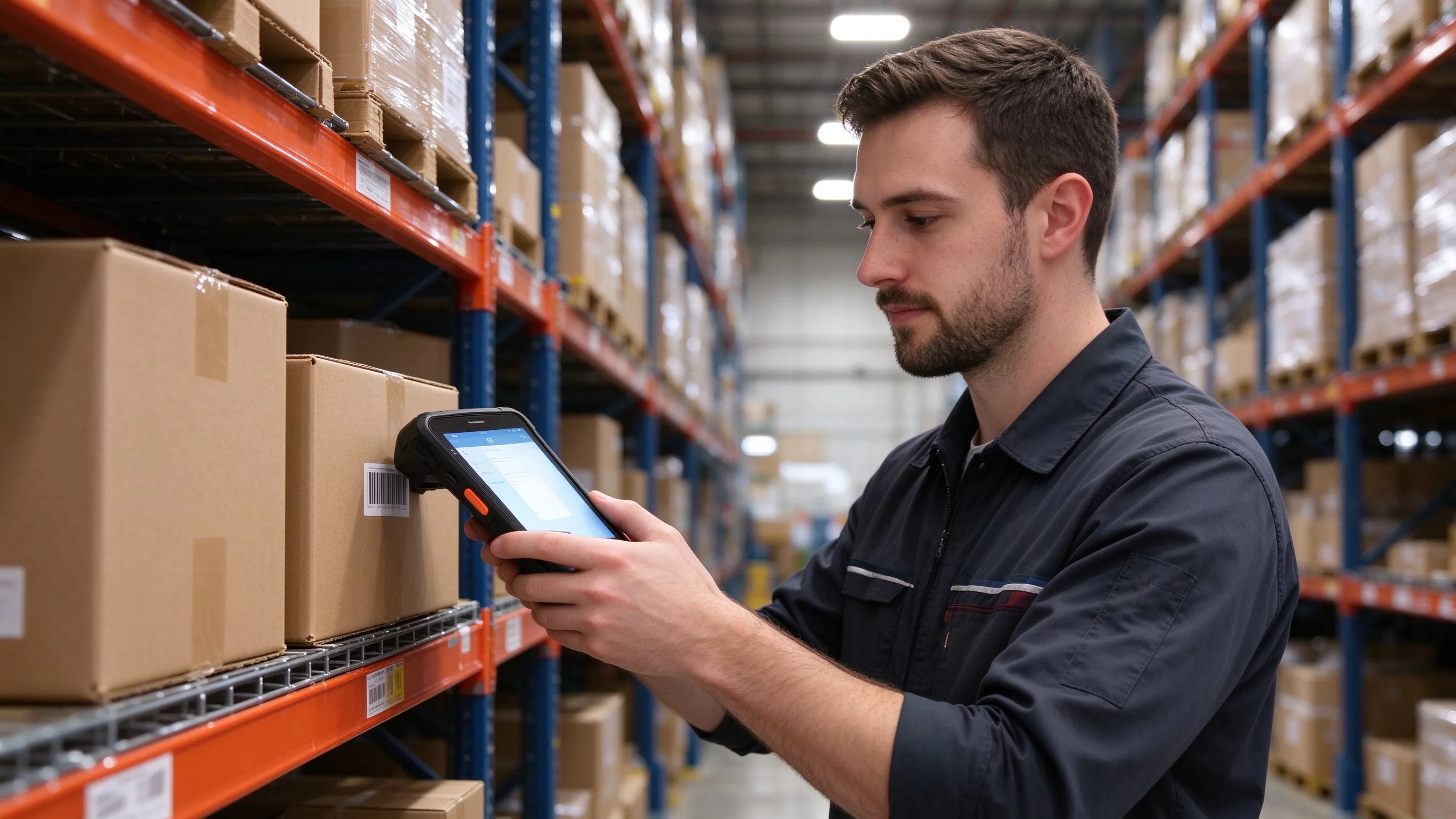
- Imager class, not "camera megapixels". An industrial 2D imager engineered for reflective and low-contrast codes — with the exposure control to defeat retroreflective saturation — reads a sun-bleached pole tag on the first pull. An off-the-shelf camera "with scanning app" reads the tag on the third pull, from one specific angle, on a cloudy day.
- Scan intent from a hardware trigger. Softkeys and on-screen buttons fail with gloves and glare; a physical scan key on the grip works with a liner glove on the top rung of a ladder, wet or dry.
- Display brightness and anti-glare treatment. Below roughly 700 nits a screen is a mirror in midday sun; 1000+ nits with an anti-reflective bonding keeps the confirmation — asset ID, form field, reading — legible at the pole itself, which is the entire point.
Offline is not a feature, it is the default
Field coverage maps for grid assets are, charitably, aspirational. Recloser sites, mountain relays, canal-side assets and half the rural distribution network sit outside dependable cellular. The inspection app has to assume the network is absent: forms and asset registers cached on device, photos compressed and queued, records timestamped locally and replayed in order when the van re-enters coverage.
The hardware constraints that follow are unglamorous but decisive:
- Storage headroom. Photo evidence runs roughly a gigabyte per technician per week at moderate capture. A device without expansion storage hits its ceiling mid-program, and field crews respond by quietly stopping photo capture — the exact evidence an outage investigation later needs.
- Removable battery. A full inspection loop can outlast an internal cell, and cold mornings shave capacity further. A hot-swap between loops beats a charging queue in the van.
- Positioning and clock integrity. GIS-tagged inspections are only defensible if the timestamp and location are trustworthy at capture time, not reconstructed after sync.
The spec sheet that separates field PDAs from warehouse leftovers
| Decision | Specify this | Reject this |
|---|---|---|
| Scan engine | Industrial 2D imager rated for reflective/metal/damaged codes, hardware trigger on grip | Camera-based "scanning" with no exposure control |
| Display | 1000+ nits, anti-reflective bonding, glove + wet-finger touch | Unspec'd brightness, glossy consumer glass |
| Offline platform | Current Android with GMS, MDM enrolment, SDK for the inspection app's queue/sync | Locked-down builds with no update path |
| Survival | 1.5 m all-axis drop onto concrete, IP67 dust/water jet, wide operating temperature for cab heat and morning cold | Consumer phone in a rugged case |
| Power | Field-replaceable high-capacity battery, optional charge-in-van dock | Sealed battery with a "full day" marketing claim |
| Capture extras | Tuned camera with LED for defect photos, NFC tap for near-field asset chips, optional Glove Mode | Camera listed as an afterthought |
Two of these rows deserve the skepticism they rarely get. "Reflective code support" must be demonstrated, not claimed — ask for a live read on your own retroreflective pole tag, outdoors, at noon, at the distance your crews actually stand. And the brightness number without anti-glare treatment is half a spec: a 1200-nit panel behind untreated glossy glass still loses to the sun; the bonding and coating are what keep it readable at the pole.
Deployment checklist for the grid-operations lead
- Walk the worst three assets on the route — oldest tag, most reflective tag, deepest dead zone — and demand the demo unit performs the full loop there, not in the conference room.
- Test tag reads in real daylight at the actual mounting height and angle; a tag that reads at a bench reads differently at the top of a reach pole in full sun.
- Load the actual inspection app, kill the network, and verify the full sequence: form open, tag scan, photo, queue, ordered replay with timestamps intact.
- Size storage against real photo capture for one crew-quarter, then double it; verify an expansion path exists.
- Confirm gloved, wet-hand operation of both the trigger and the screen before rollout week.
- Verify MDM enrolment and the OS/SDK support window in writing — inspection fleets live 3–5 years in trucks, dust and rain.
- Drop-test acceptance on concrete with battery installed, then confirm the imager still reads and the seals hold.
- Plan the fleet split deliberately: one-handed scanning PDAs per crew, shared tablets per van, one offline app across both.
From the first pole to a settled route
The searches that land here — "rugged PDA for utility field inspection", "Android PDA for asset tag scanning", "sunlight readable rugged handheld" — are really about one thing: the record being born at the asset instead of being reconstructed at the truck. The right terminal makes that boring, which is the highest compliment field hardware can earn.
Describe your route — asset types, tag stock and age, coverage gaps, crew size — and the recommendation comes back as a configured fleet: imager, brightness, battery and storage sized to your worst pole, not your best one. WhatsApp +86 158 8972 3515 — a photo of your weathered pole tag in direct sun answers half the spec questions in advance.