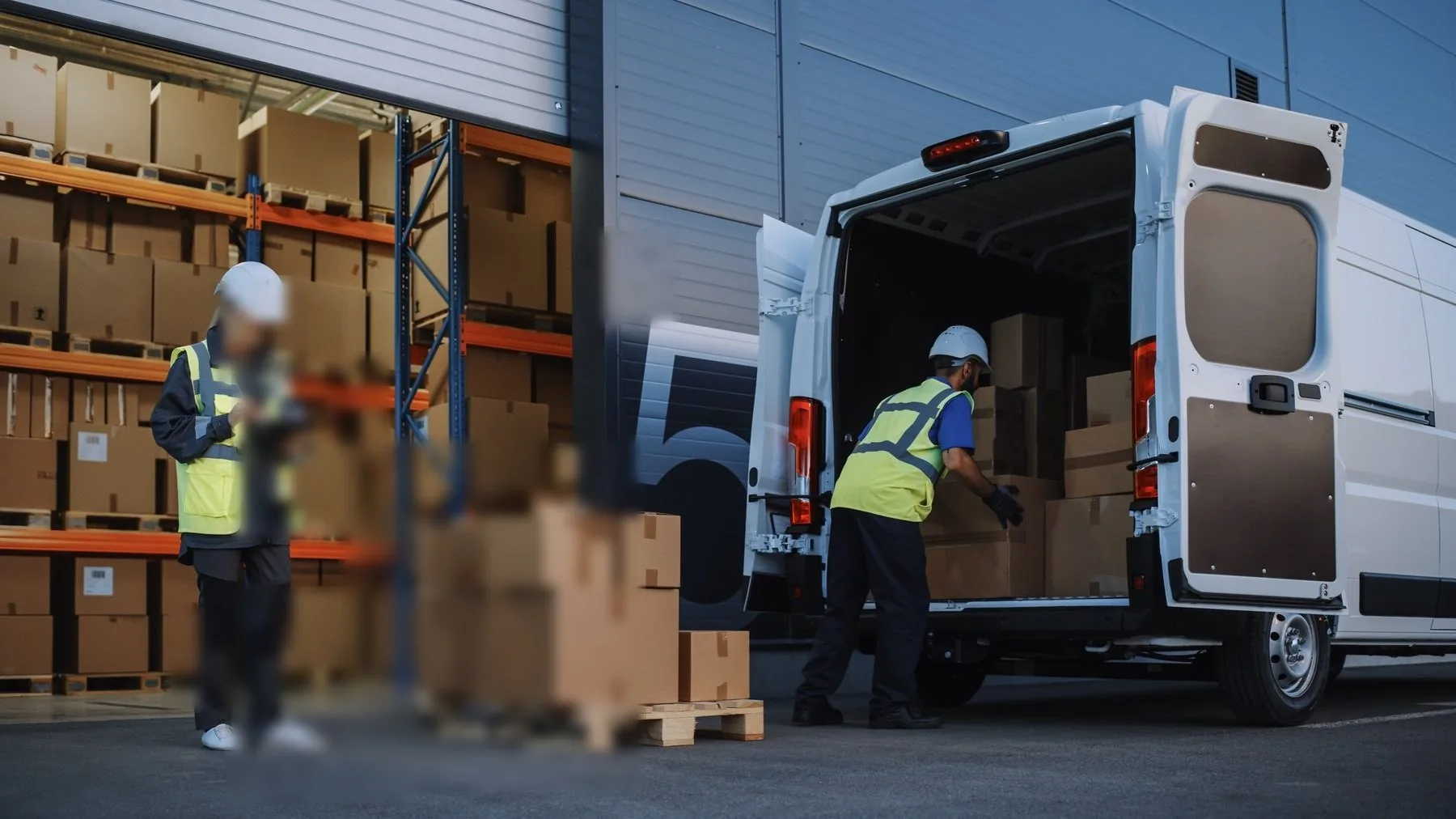
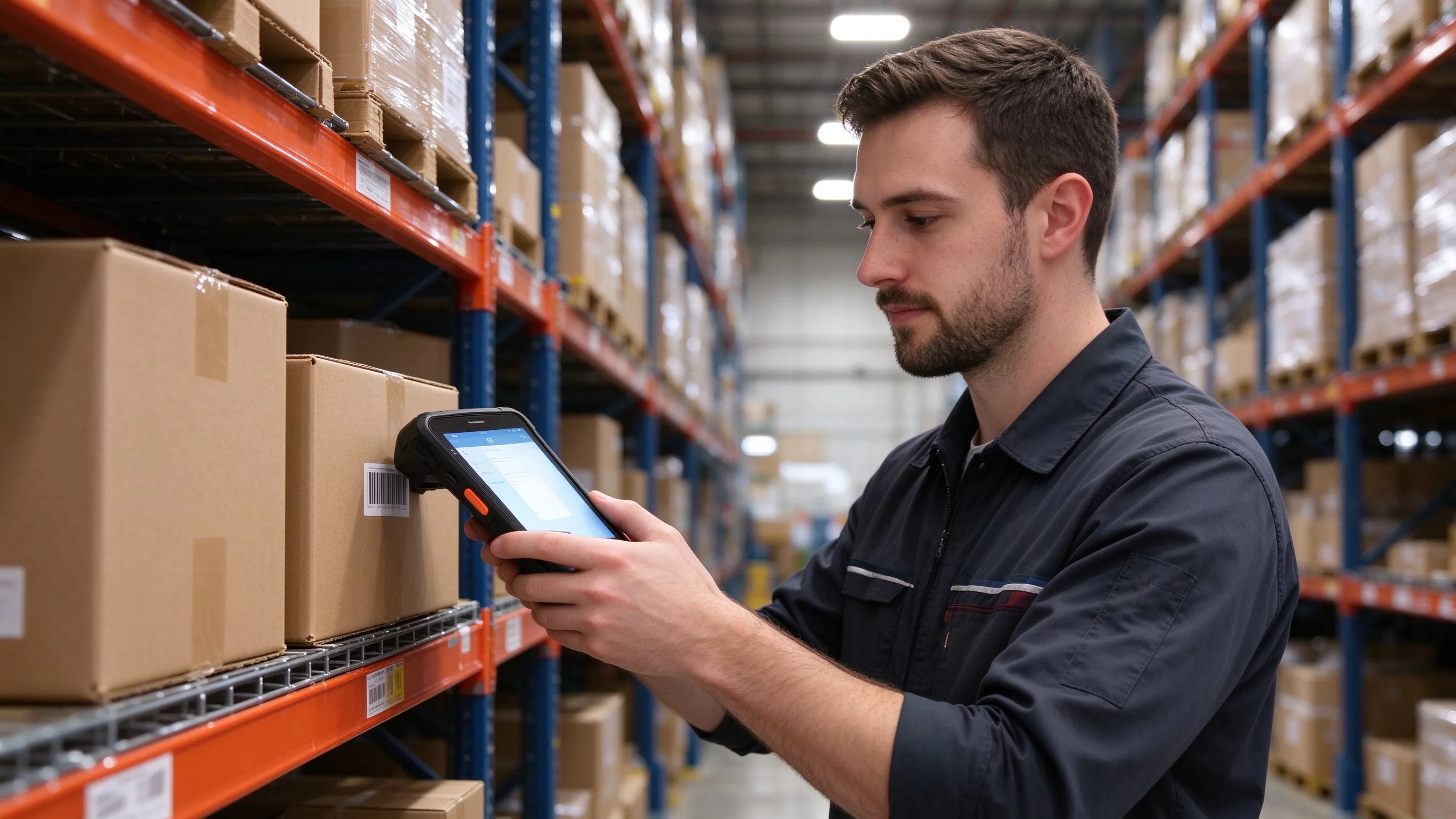
Last-mile and field work moved past simple scan-and-confirm years ago. Drivers and technicians now capture signatures, photograph damage, read ID and NFC tokens, fill dynamic forms and navigate between stops — work that needs a readable screen, not just a keypad. A compact keypad unit is faster on a shelf count, but it is cramped for a delivery workflow that shows a full manifest and a signature box. This is where a larger full-touch PDA earns its place.
Where the old process breaks
The same problems show up across couriers, field services and retail replenishment:
- Paper proof of delivery. A signed sheet is slow to file, easy to lose and impossible to query when a customer disputes a drop.
- No evidence on damaged or missing items. Without a time-stamped photo tied to the stop, the argument comes down to one word against another.
- Small screens, long forms. Inspection and installation checklists run to dozens of fields; a 4-inch screen means endless scrolling and errors.
- ID and access checks done separately. Carrying a separate reader for ID cards or NFC tokens adds a device and a charging routine.
- Work outside reliable signal. Stops in basements, rural routes and lift shafts still have to be captured offline.
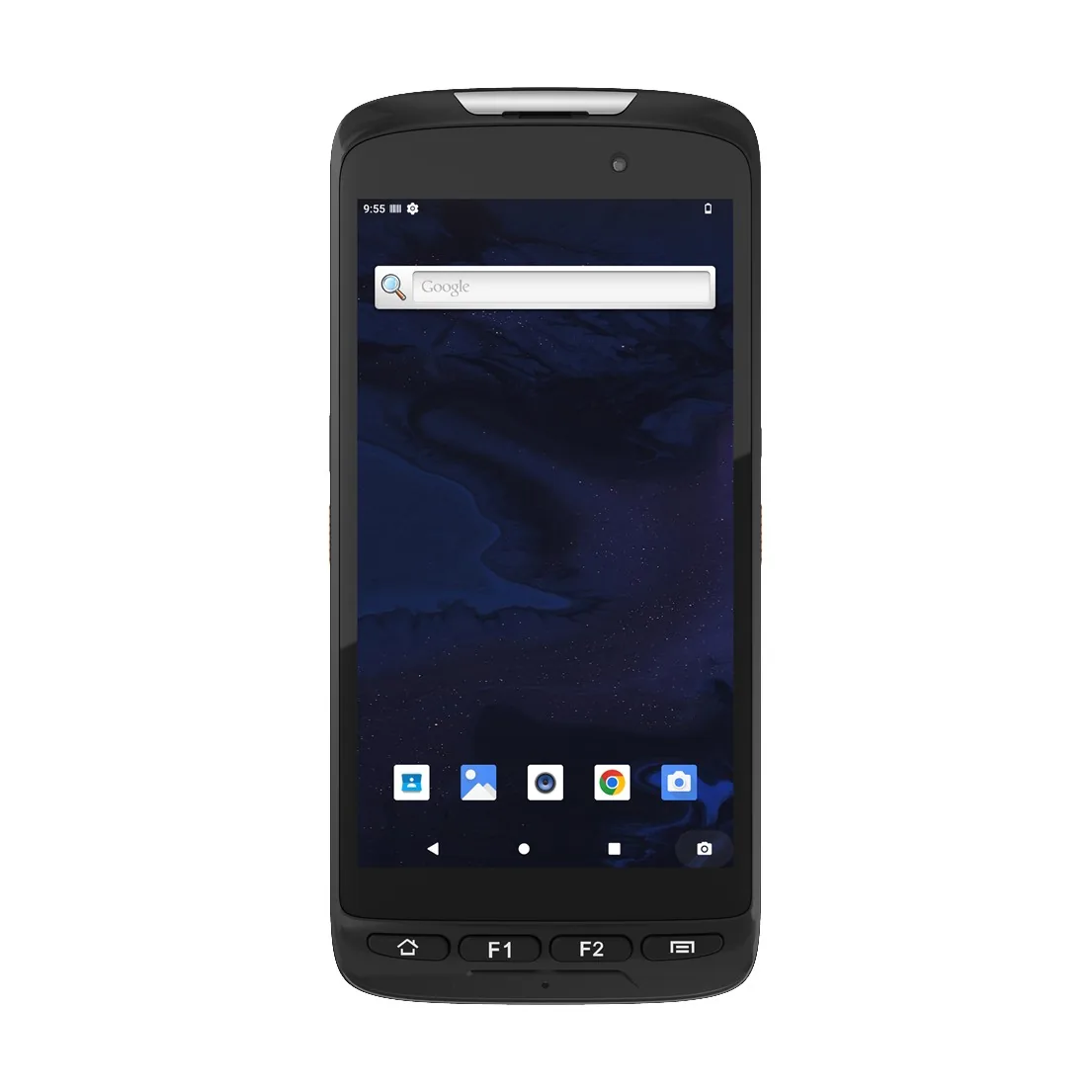
A rugged Android handheld such as the BH-F5 combines a 6-inch high-resolution screen with a 2D imager, NFC and a fingerprint reader, so the full delivery or field workflow runs on one device.
The jobs one full-touch unit covers
The same device moves through the whole route:
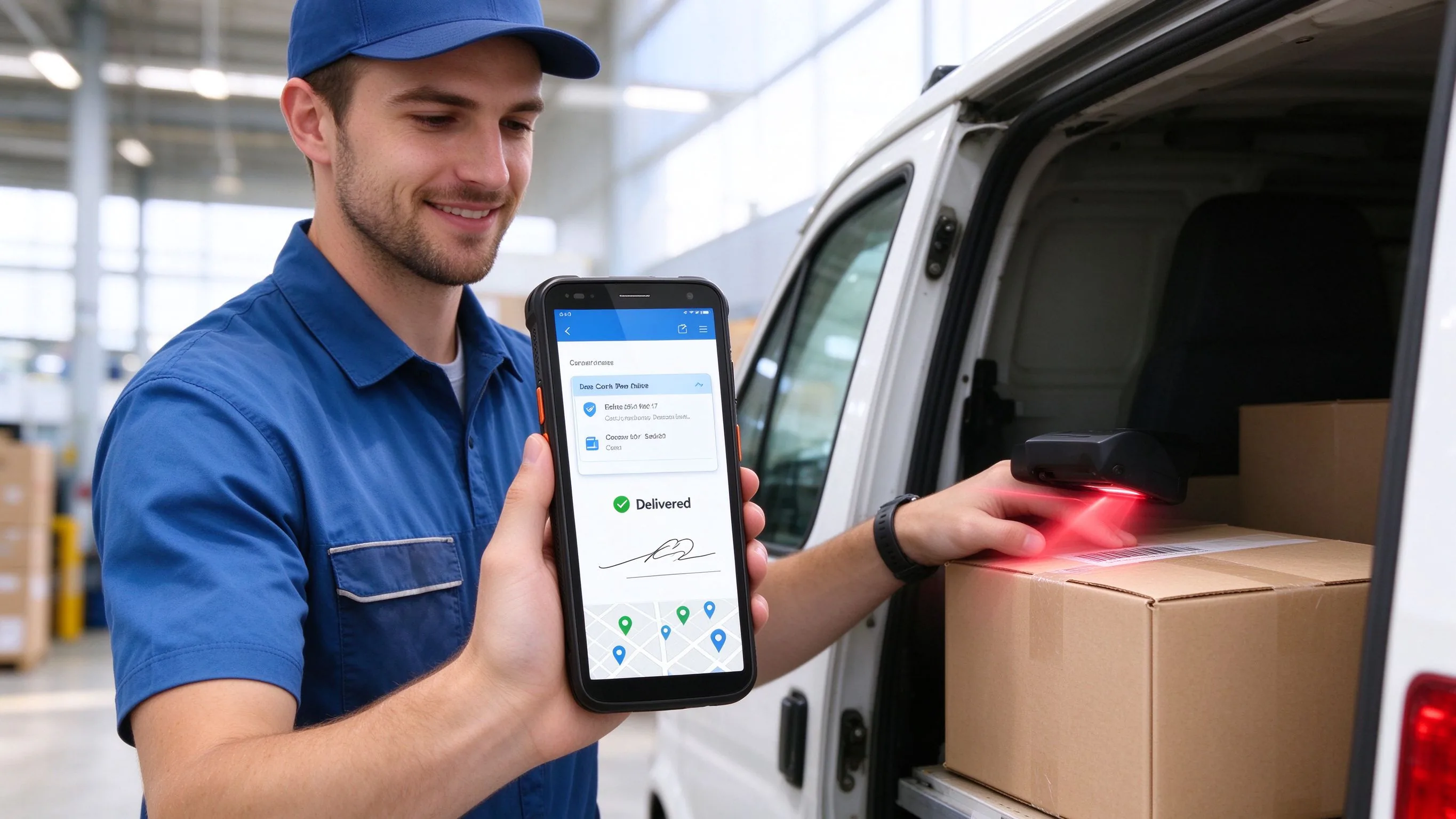
- Proof of delivery and collection — capture on-screen signatures and tie them to the stop, the time and the location.
- Photo evidence and exception handling — photograph damage or a left safe-place note and attach it directly to the consignment record.
- Manifest and route navigation — review the full stop list, reorder drops and open turn-by-turn navigation without a second device.
- ID and NFC reading — read ID cards, access tokens and NFC tags at gated sites and controlled deliveries.
- Field service and inspection forms — complete dynamic checklists, read asset codes and report faults with photos.
- Retail merchandising and replenishment — confirm shelf stock, capture planogram photos and raise orders on a readable screen.
- Identity and secure login — use the fingerprint reader for shared devices and authenticated submissions.
- Offline operation — keep capturing at dead-zone stops and sync the batch automatically when the network returns.
What the hardware actually has to do
A consumer phone will run the delivery app for a week; it will not survive a fleet's worth of drops on tarmac. The specs that matter in the field:
| Requirement | Why it matters on a route |
|---|---|
| 6-inch 720x1440 screen | Readable manifests, forms and signature capture in daylight |
| 2D imager | Reads parcel labels, QR codes and worn or damaged barcodes |
| NFC at 13.56 MHz | Reads access tokens, ID cards and contactless tags |
| Fingerprint reader | Secure login on shared fleet devices |
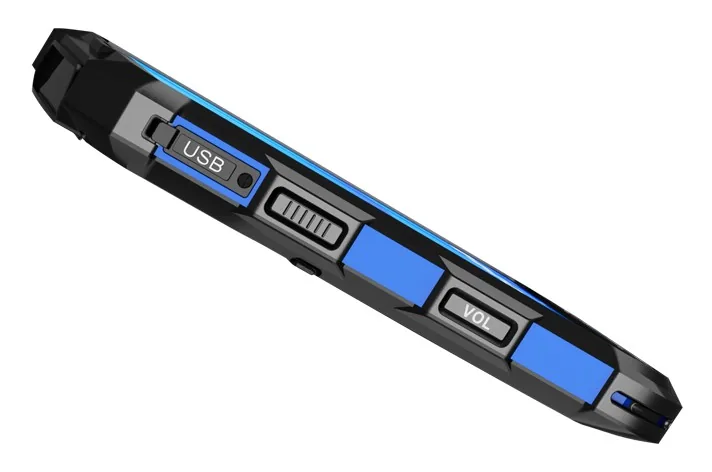
| IP67 sealing | Rain, dust and spills at the kerb and the warehouse |
| 1.5 m six-sided drop | Survives repeated falls onto concrete across the fleet |
| 5050 mAh battery | Covers a full route of stops with screen and scanning |
| 16 mm thin, about 300 g | Balances a large screen with one-handed carrying |
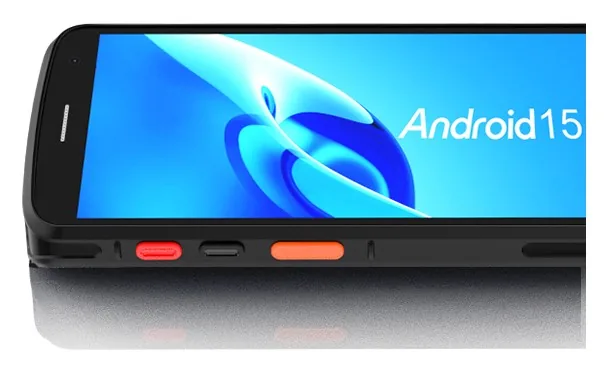
The F5 runs Android on an octa-core 2.3 GHz platform with 3 GB / 32 GB standard (4 GB / 64 GB optional), supporting the delivery, field-service and merchandising clients fleets rely on, across -20 °C to 60 °C.
The workflow at the stop
The driver opens the stop, scans the parcel and records the name or signature on the screen. If the goods are damaged, a photo is attached to the same record before the stop closes. In a basement or rural dead zone the entries queue locally and upload automatically once the connection returns, so the proof of delivery is never lost even when the signal is.
Questions to answer before you buy
Three decisions settle whether a full-touch PDA is the right fit:
- Does the workflow need a screen beyond scan confirmation? Signatures, photos, forms and manifests justify the larger display; pure scan-and-key work is cheaper on a compact keypad unit.
- Are ID or NFC checks part of the job? On-board NFC and fingerprint readers remove the need for separate devices.
- Where will the device be used? Outdoor and fleet use needs the IP67 rating, six-sided drop resistance and a daylight-readable screen.
We pre-configure pilot units with the delivery or field app, scan mode and login settings the software needs, so the first real route runs on day one. Send the name of the platform and the type of stops, and we will confirm whether the F5 already runs on it.